The Only AI that Works as Hard as You

Buildxact Blu

Win More with the Home Construction AI for Custom Builders

Not all AI tools are built equal. Don’t get lost in complex tools. With Buildxact Blu, you stay in control as estimating and takeoff tools work with you to bid smarter and faster, using only the right measurements, quantities and material prices. Because Blu covers the basics, you have time to add more personalized customer service. Stand above the rest with Blu construction software intelligence.

Buildxact Blu makes the complex simple

Three AI-powered tools designed to speed up takeoffs, improve estimate accuracy, and help you catch what others miss.

Blu: Takeoff Assistant

Blu Takeoff Assistant

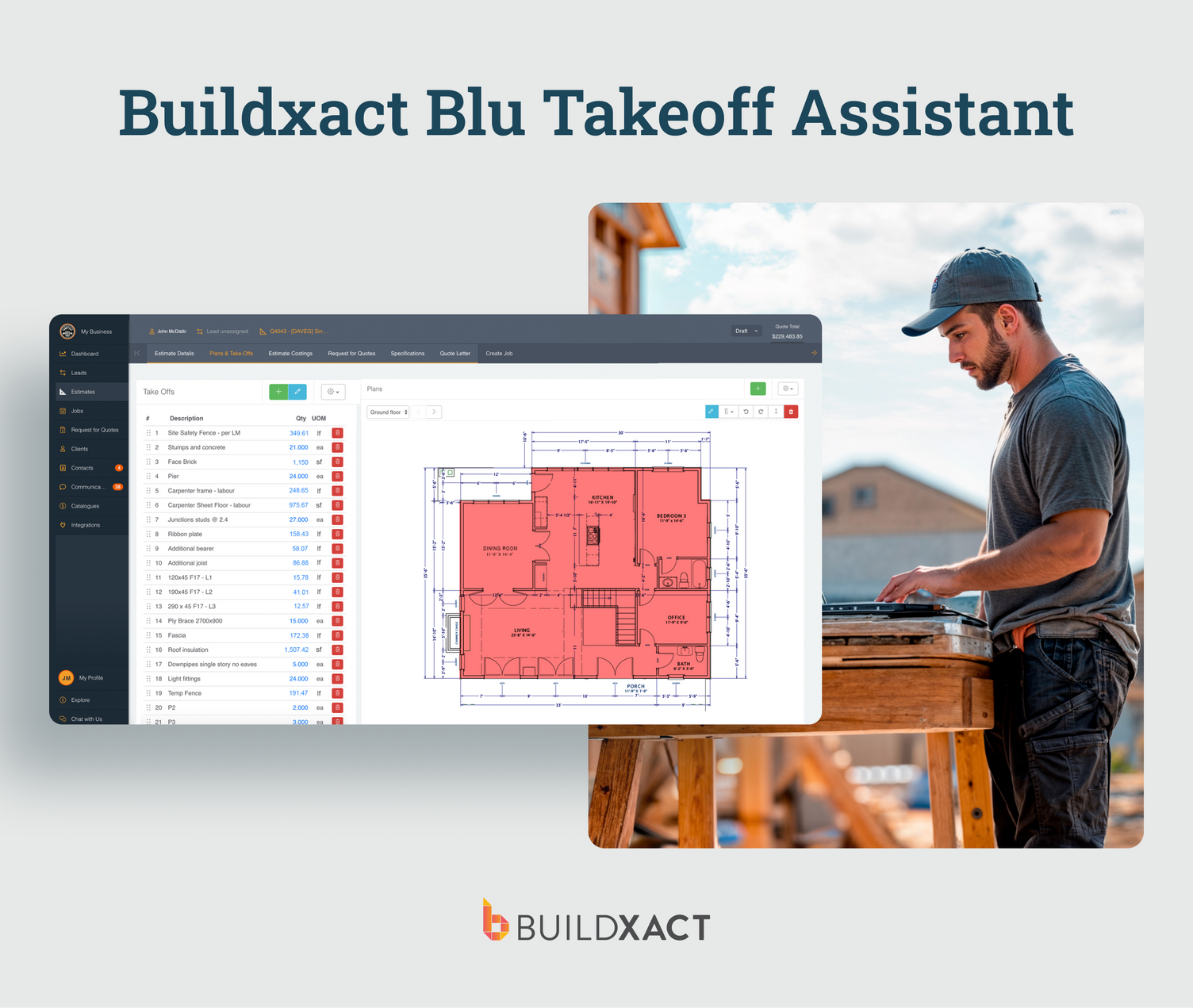
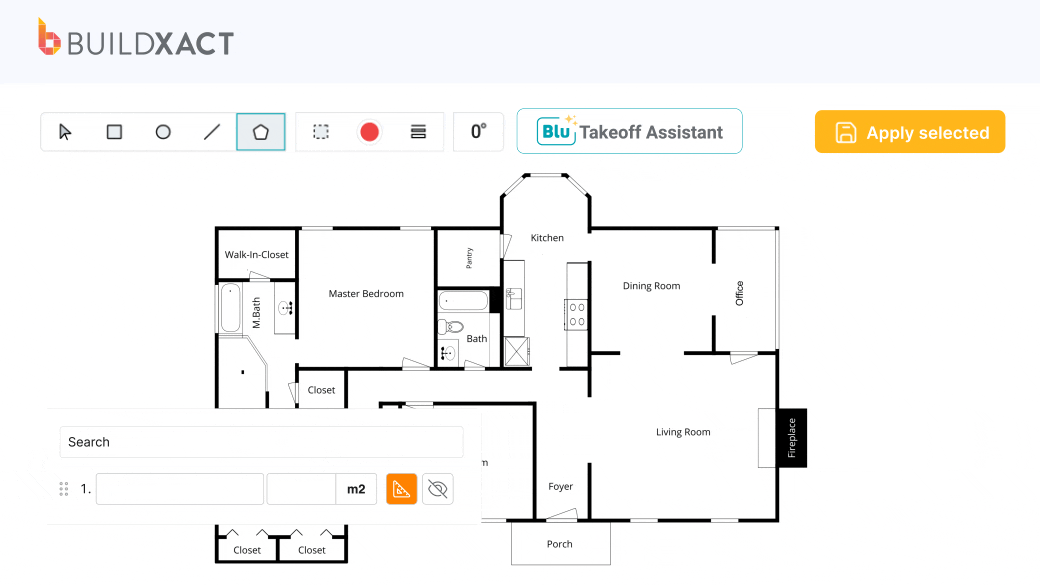
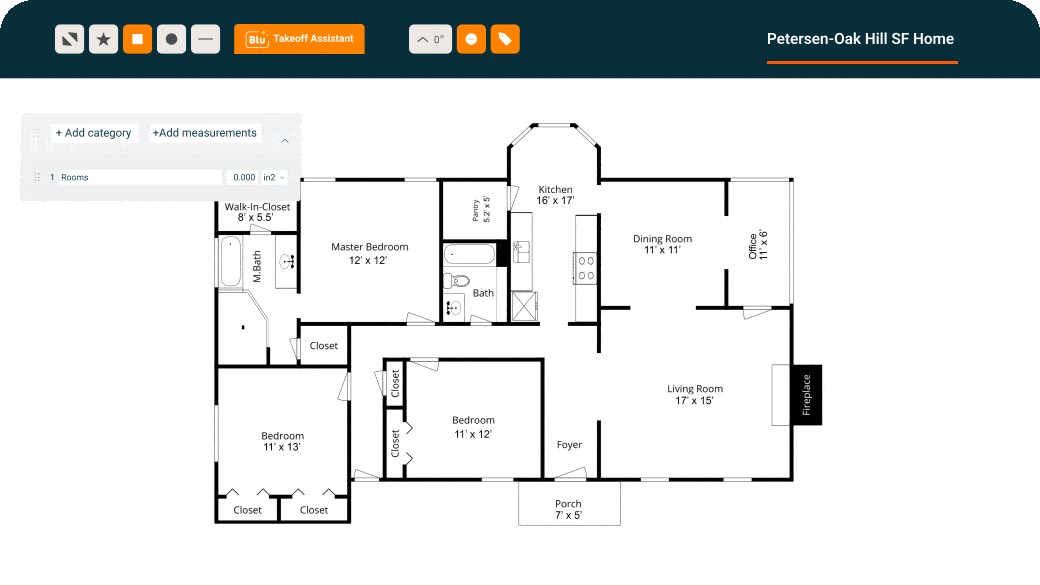
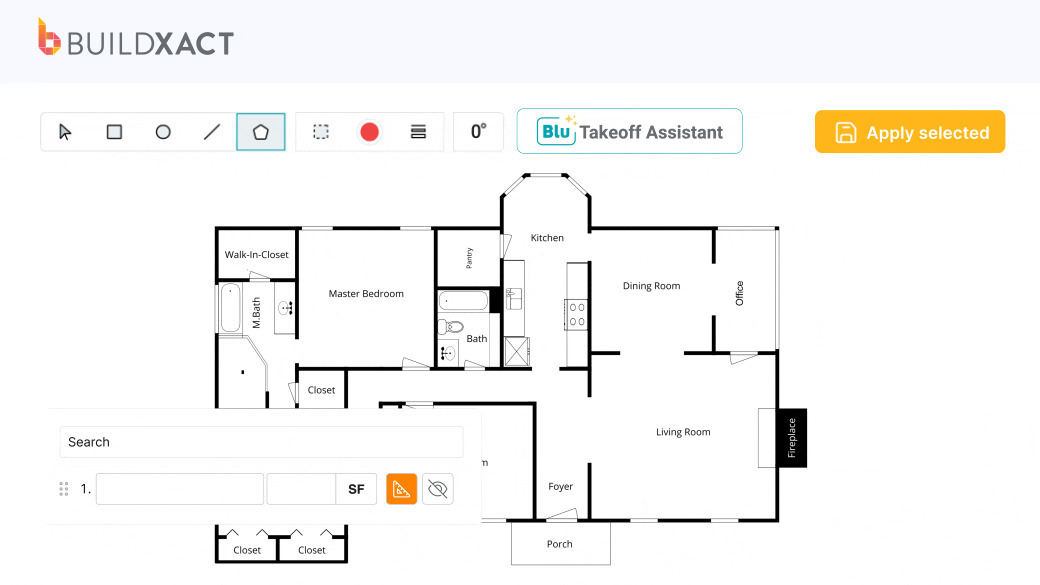
Blu does the heavy lifting for you. Just upload your plans and Blu auto-scales, auto-measures, and even names pages based on project areas. Designed to give you faster takeoffs and more control.

View feature
Estimating Learn more

Blu: Estimate Generator

Blu Estimate Generator

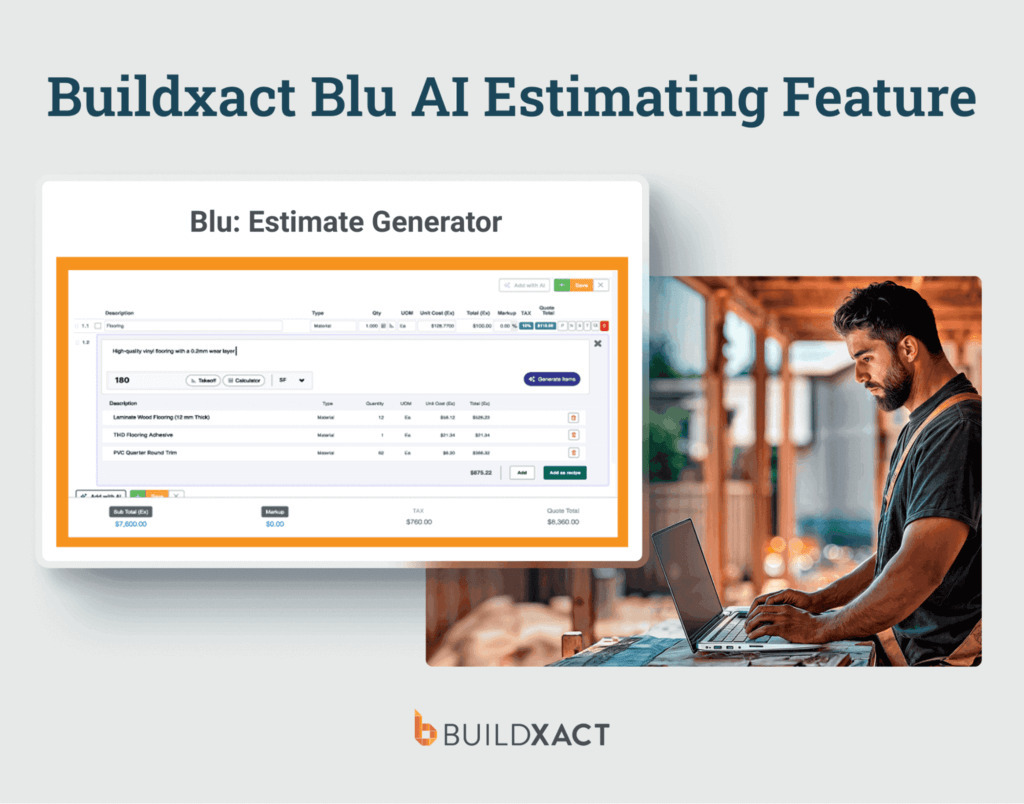
Quickly create detailed and accurate estimates – powered by local data, including labour, materials, and services. Start with your project type and a location and Blu will create a complete, editable estimate.

View feature

Blu: Estimate Reviewer

Blu Estimate Reviewer

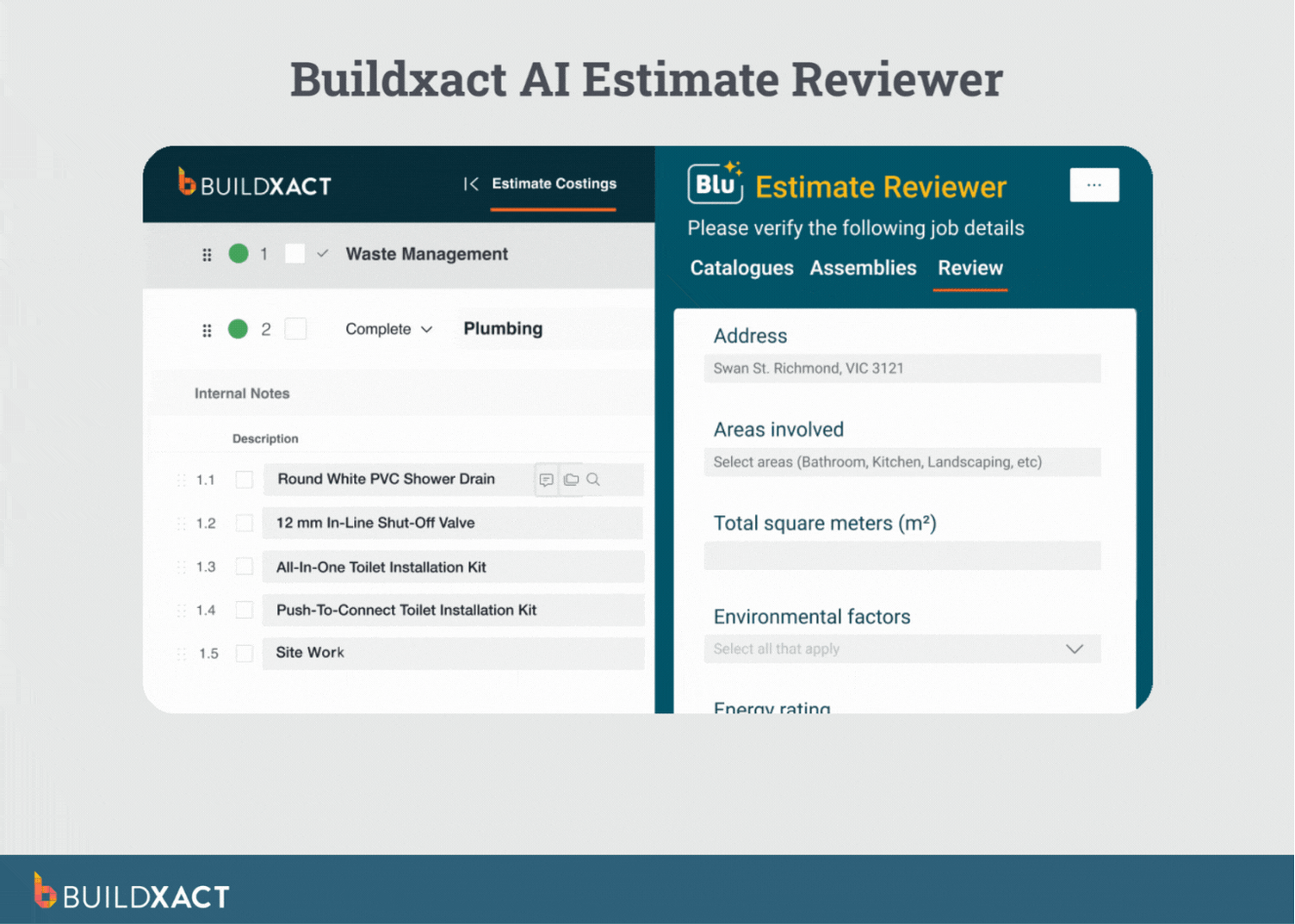
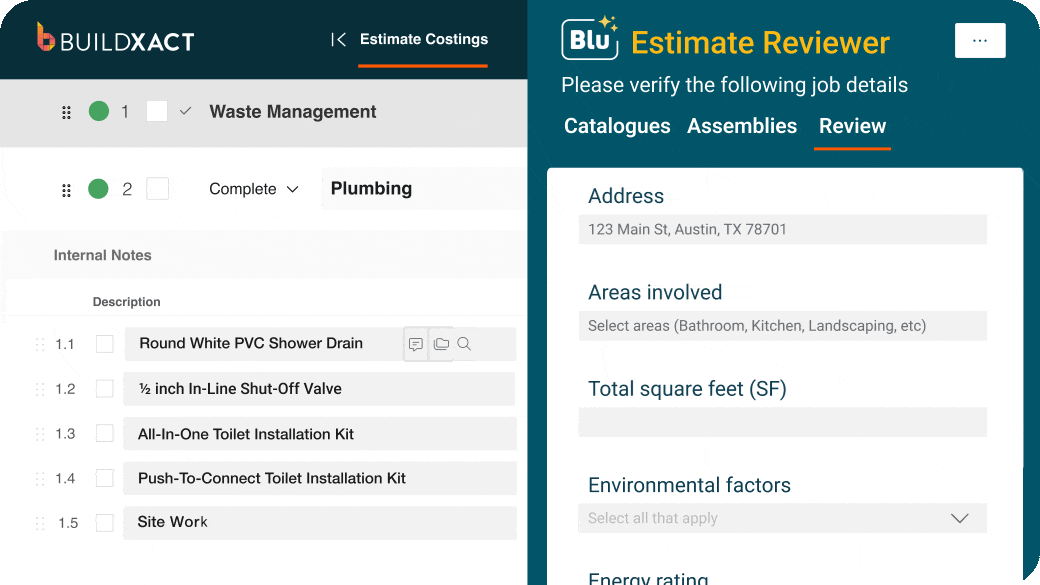
See what you missed when estimating. Access smart tips on compliance, items, insurance, and more. The reviewer is tailored to your job, so you add details like room types or environmental factors. It’s a smart checklist that tightens up your estimate, step by step.

View feature

Instant AI Estimates for Residential Projects

Powered by Blu – The smart estimating assistant for builders.

Blu: Takeoff Assistant

Accurate estimates begin with accurate building plans, measurements and material counts. Use Blu to nail all the details right, the first time. Name plan pages, scale dimensions, measure and count using Blu to work quickly and accurately. 

End paperwork hassels

Blu auto names and scales plan pages so you get right to work. With AI and other Buildxact features, you cut the time to measure and count materials by 65%.

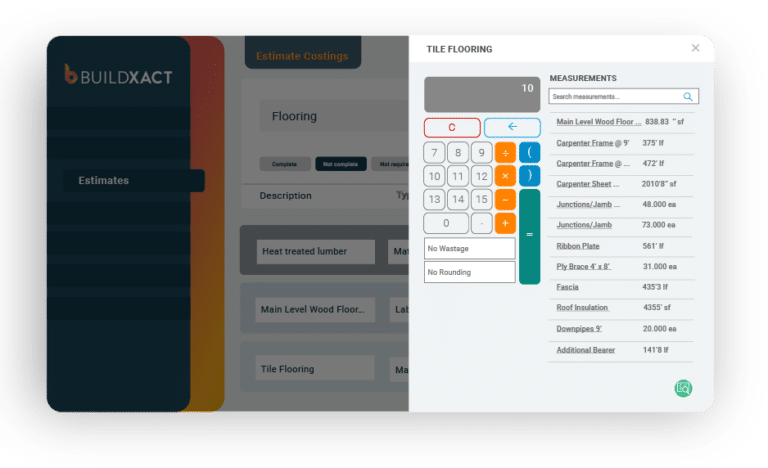
A list of reusable measurements is displayed within Buildxact
Reuse measurements

Buildxact saves time from the get-go. Reuse measurements across different materials or labor costs to quickly create estimates that win more work.

Auto Measure floor plans

Blu: Takeoff Assistant works out different floor area measurements for rooms automatically. Blu works at your direction with point-and-click tools for manual edits.

A set of digital blueprints displayed within Buildxact
Blu travels with you

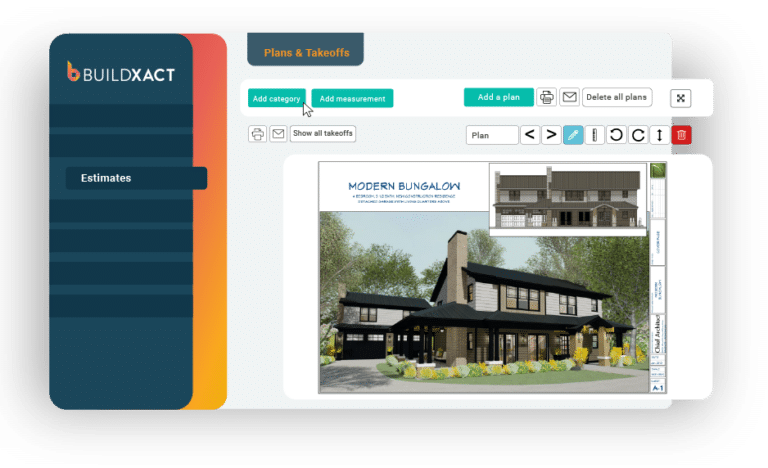
Access your digital plans from the office or the job site. Buildxact is a cloud based solution that makes manual data entry, bulky paper files and lost documents a thing of the past.

Blu: Estimate Generator

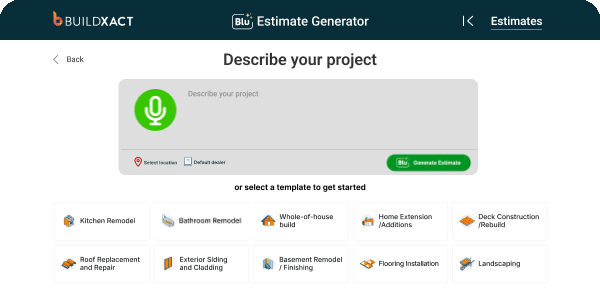
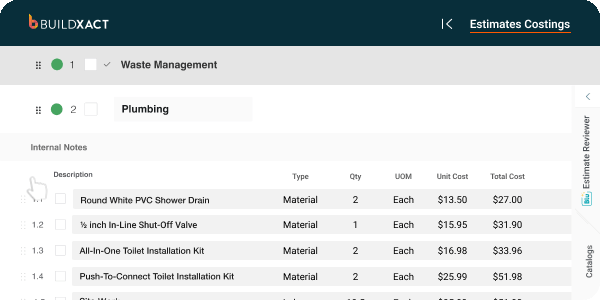
Blu is part of your team. Describe projects in your own words to kick start an estimate that has all the tasks and details you need to bid your project.

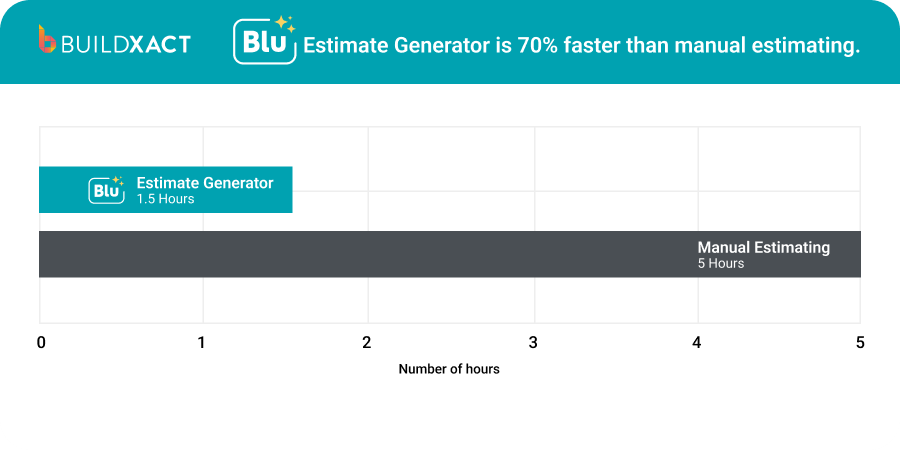
Bid project costs 7X faster

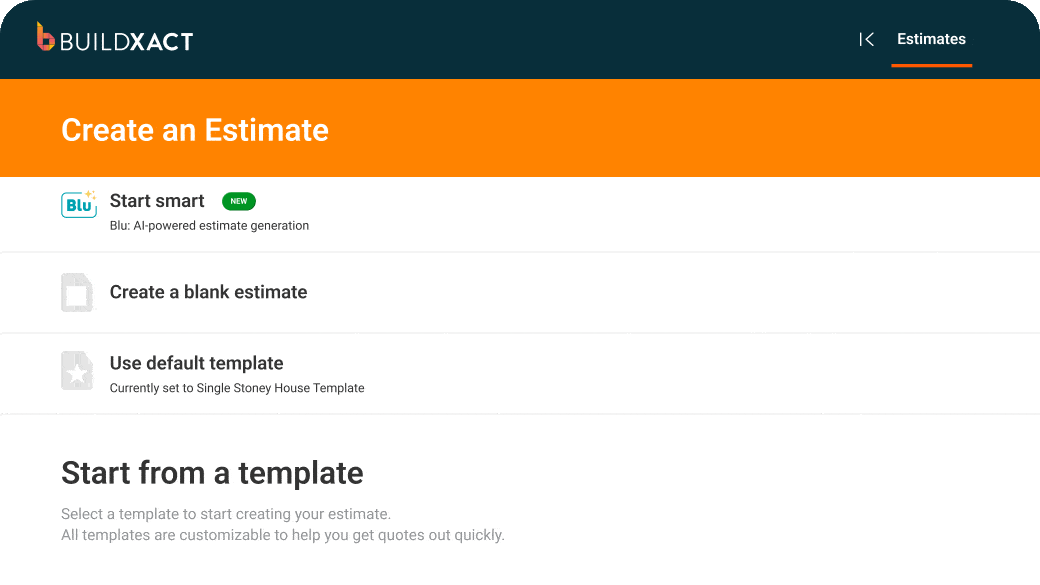
Start from a simple project description or use a ready-to-go template to produce complete, professional proposals with detailed line items.

AI Estimating you control

Blu stays under your supervision so AI works with you and not against you to estimate more accurately.

Use live pricing data

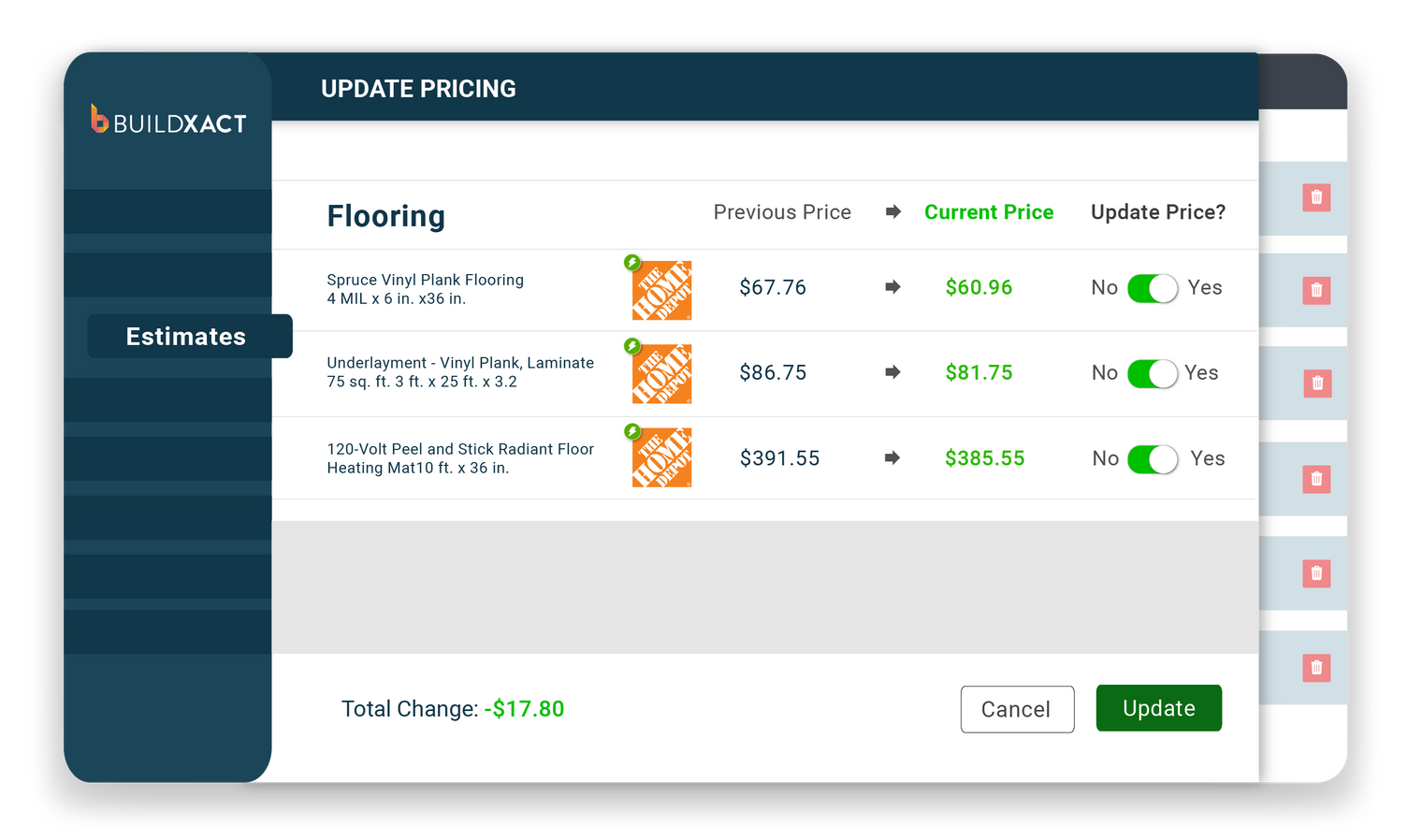
Blu is more accurate because it is powered by labor and material pricing based on the location of your project.

A customer invoice is displayed in Buildxact
Know your numbers

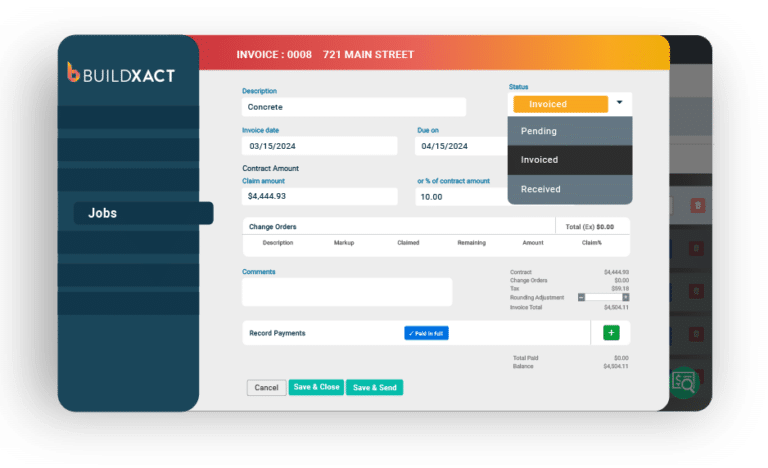
Blu pays for itself when you generate project invoices and budgets from the same line items and categories used to create estimates.

Blu : Estimate Reviewer

Blu has your back. Don’t miss or overlook a thing when Blu checks your estimate for errors and even offers tips for building code compliance and insurance coverage.

Cover all the bases

With Blu: Estimate Reviewer, you won’t forget a thing. Your estimates cover administrative work, markup, site cleanup and everything else you need.

Bid profitably

Because your estimate has indirect costs, overhead and markup, you ensure your business benefits from every home construction or remodeling project.

A list of estimate templates is shown is Buildxact
Grow faster with AI

Generate more predictable earnings using AI assistance based on Buildxact’s industry leading database of global residential construction projects.

A customer invoice is displayed in Buildxact
Close deals Your way

AI scales your judgment and experience. Buildxact Blu is your copilot. The destination is up to you.

See How Blu Can Help You

Try Buildxact’s ROI calculator to see how faster takeoffs and estimating save you money.

A simple monthly payment includes customer support, training and upgrades.

A screenshot showing how Home Depot customers access customer support

Use the Software Ranked Among the Best

FAQs

Our three subscription options come with unlimited users and free training and support. Buildxact has designed all three levels to fit the exact needs of custom builders and remodelers as they grow their skills using construction management software. 

Foundation – this subscription allows small builders to quickly learn how easy estimating and customer communication can be with digital tools. Perform takeoffs and project estimates for greater accuracy, connect with local material dealers for real-time pricing, and use optional AI task-level calculations so estimating accurately takes no time at all. 

Pro –this option is perfect for growing builders who are focused on estimating and bidding jobs as well as scheduling work and setting project budgets. Included with Pro:  

  • GANTT Charts for scheduling 
  • Buildxact Onsite mobile app 
  • Online contractor RFQs 
  • Online Client Portal with Digital Selections 
  • Accounting software integrations with Xero and Quickbooks 
  • Paid add-on bundles with AI-powered tools for takeoffs and estimating 

Master – experts in all phases of construction project management have a sophisticated subscription level all their own. All features from Foundation and Pro are combined and available at one price, including the full Blu Building Assistant suite of AI digital tools:  

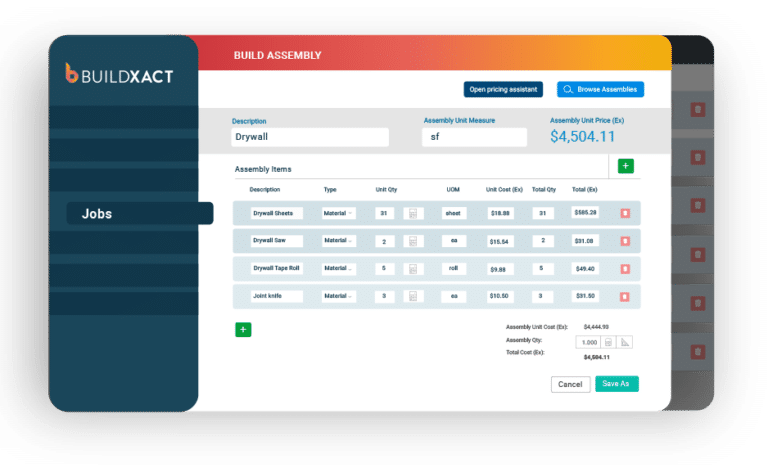
  • Blu: Assembly Assistant 
  • Blu: Estimate Reviewer 
  • Blu: Takeoff Assistant 
  • Blu: Estimate Generator 

All subscribers access Buildxact AI technology using Blu, Buildxact’s digital building assistant.

Trained on thousands of residential projects and fully integrated into Buildxact’s estimating and planning workflow, think of Blu as your estimator, planner and project assistant with a digital toolbelt for fast, sharp and laser-focused help on the details that matter the most.

If you want to hire Blue to help you with a specific step in your preconstruction process, either subscribe to a plan that includes the desired assistant function, or add additional Blu functionality onto your base plan via the Buildxact Marketplace in your account dashboard.

You can find more information on Blu’s monthly add-on costs by assistant function on our pricing page.

There are no additional fees for Buildxact construction estimating software. Upgrades, maintenance, support and unlimited training are all included in your subscription fee. 

Any Blu: Building Assistant features not included in your base plan do come with an additional monthly cost, should you choose to add those onto your base plan. You can find more information on Blu’s monthly add-on costs by assistant function on our pricing page.

Each of the three subscription levels (Foundation, Pro and Master) are designed to meet your specific business needs and the needs of your construction team. You can choose either a monthly or an annual plan. Annual plans come with a 15% discount against monthly plans and require a 12-month commitment.

For full details on our plans and pricing structure, visit ourpricing page. 

No. Buildxact is for construction estimation and construction management. It does not offer computer-aided design or drafting functions. 

Yes, you can. It’s possible to make subscriptions changes. If you would like to move from Foundation to Pro or Pro to Master at any point, contact our Customer Support Team by clicking the chat button on the bottom right of your screen in Buildxact. 

What are you looking for?

Search
×