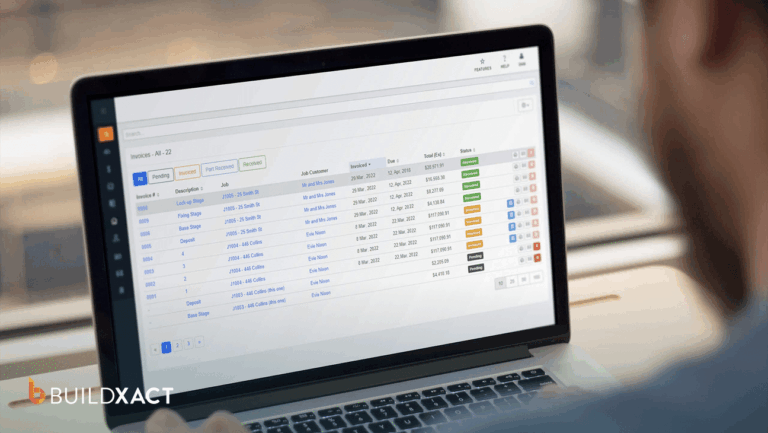

You win the job, go to order materials, and the price has changed. You find out on the invoice, after you have already locked in the number. The margin you built in is gone, and nothing warned you, because the number you sent had no connection to the materials’ costs that week.
That is what quoting with the wrong tool does. The late nights are survivable. The problem is the gap between the number you sent and the number you paid, and that nothing caught it.
A spreadsheet, or any tool without a live link to current pricing, has no memory of what materials cost today. Since every estimate starts from zero, every price is only as current as the last time you looked it up, and once the job starts, the bid becomes a PDF and stays there.
You know this has to change, but the harder part is finding a tool that prices off real material costs, builds a bid without starting from scratch, and does not cost more every time you add a person.
Most of what comes up first is built for commercial GCs, or free downloads with no local pricing, and the residential-leaning ones often charge per seat.
This guide will help you find the right construction quoting software that prices off your real material costs, builds a bid without starting from scratch, and does not charge more every time you add a new user.
When Should You Switch to Construction Quoting Software?
You can get surprisingly far with the wrong quoting system. Maybe it’s a spreadsheet you’ve refined over the years, a free tool with outdated pricing, or software designed for a commercial GC running projects far larger than yours.
The problem isn’t that these systems never work. It’s knowing when they’ve stopped working well enough.
These five signals below will help you recognize that point and evaluate what comes next:
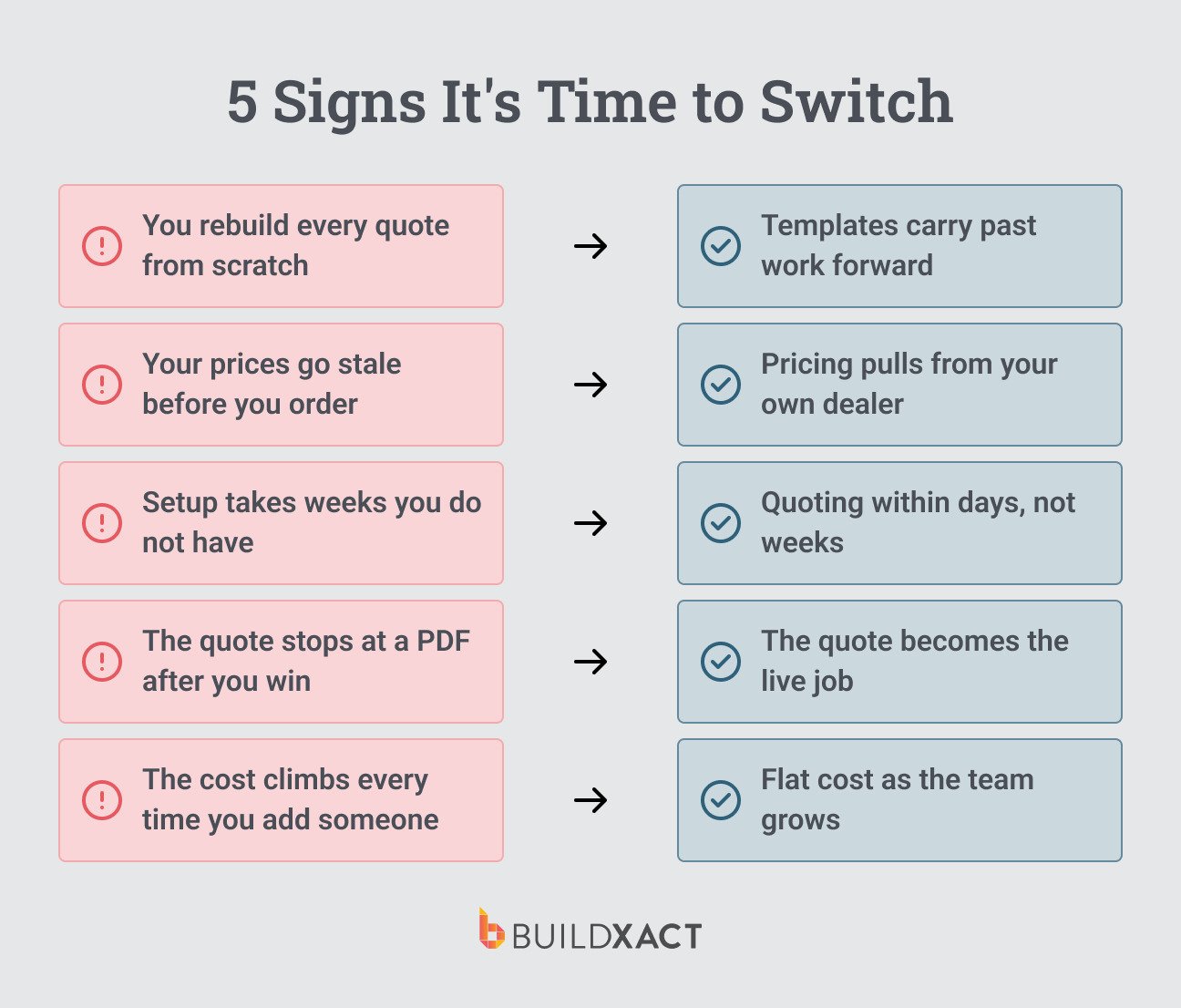
You rebuild every bid from scratch
When the tool only scales with your own hours, you rebuild every new bid from a blank screen, and the rework spills into nights and weekends. The right tool stores past work as reusable bid templates and assemblies, so the next bid starts from something you’ve already built.
Your prices go stale before you order
A spreadsheet holds whatever price you last typed in, and most free tools ship without pricing data for your area, so the number is out of date the moment a dealer changes it.
Keith Perez of TXN Remodeling N Construction was spending 30 to 40 extra hours a week on estimating before switching, in part because he had no way to know when his numbers had drifted.
The right tool pulls current pricing from your own dealer at the local store rate, so the amount in the bid is the amount on the receipt.
Setup takes time you do not have
Commercial platforms built for large GCs need weeks of configuration before producing a single estimate. A working owner-estimator cannot afford that runway. The right tool comes with guided onboarding and ready-made templates, so you are bidding within days.
The bid stops at a PDF after you win the job
An estimating-only tool stops at the estimate, and a disconnected stack leaves the won bid sitting as a PDF while you rebuild it elsewhere. The right tool turns the accepted bid into the live job, so the line items, POs, and budget all come from the same place.
The cost increases every time you add a new user
Some all-in-one platforms charge per seat, so adding an estimator becomes a software decision on top of hiring one. For a business adding its first hire, the wrong answer is a software bill that grows with them.
What to know before switching
The residential quoting problem is two problems wearing one name. The first is pricing accuracy: the numbers cannot be trusted because they go stale the moment they are entered.
The second is cost discipline: the tools that fix the first often punish growth, charging for every seat added. You need both fixed, and most of what comes up in a search fixes one and breaks the other.
If what you are using now still keeps up and is not costing you jobs or margin, you do not need any of the tools below yet.
Before committing, ask the rep to walk one full sequence live: build an estimate, pull current material pricing, turn it into a customer-ready bid, mark the job won, and show where it lives inside the active job.
If any step needs a workaround, a second tool, or a plan you cannot afford, that is your answer. A tool that cannot walk that sequence is not a bidding tool; it is an estimating tool with a handoff problem.
The 6 Best Construction Quoting Software Tools
| Tool | Best for | Starting price | User pricing | Free trial |
| Buildxact | Fast, accurate residential bids | $199/mo | Unlimited users on every plan | Start for free, no card |
| JobTread | A budget-led workflow with published pricing | $199/mo + $20 per internal user | Per internal user; external users free | None (30-day money-back guarantee) |
| Buildertrend | Larger operations with admin capacity | Roughly $339 to $1,099/mo (third-party reported) | Unlimited users included | Demo-based |
| ConstructionOnline | Cost tracking at the line level | Residential plan starts from $475/mo | Per-feature tiers | Yes |
| Houzz Pro | Client-experience-first builders | Sign up for a demo to know what you’ll pay | Plus $60/mo per added user | 30 days |
| Clear Estimates | Remodelers who only need estimates | Starts at $79/mo | Plus $9/mo per added user | 30 days |
1. Buildxact: Best construction quoting software for fast, accurate residential bids
Best for: Residential builders whose manual bidding is costing margin and who plan to keep growing without the software bill rising with every hire.
Buildxact is built for small to medium residential builders, where the owner is the estimator and the workflow follows how a job runs from bid to completion.
Joshua Bradley of BradWay Construction in Kentucky moved off long days of manual estimating and more than doubled his sales: $945,000 in 2024 and a $4 million forecast for 2025.
Key features
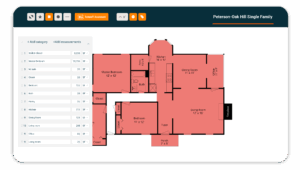
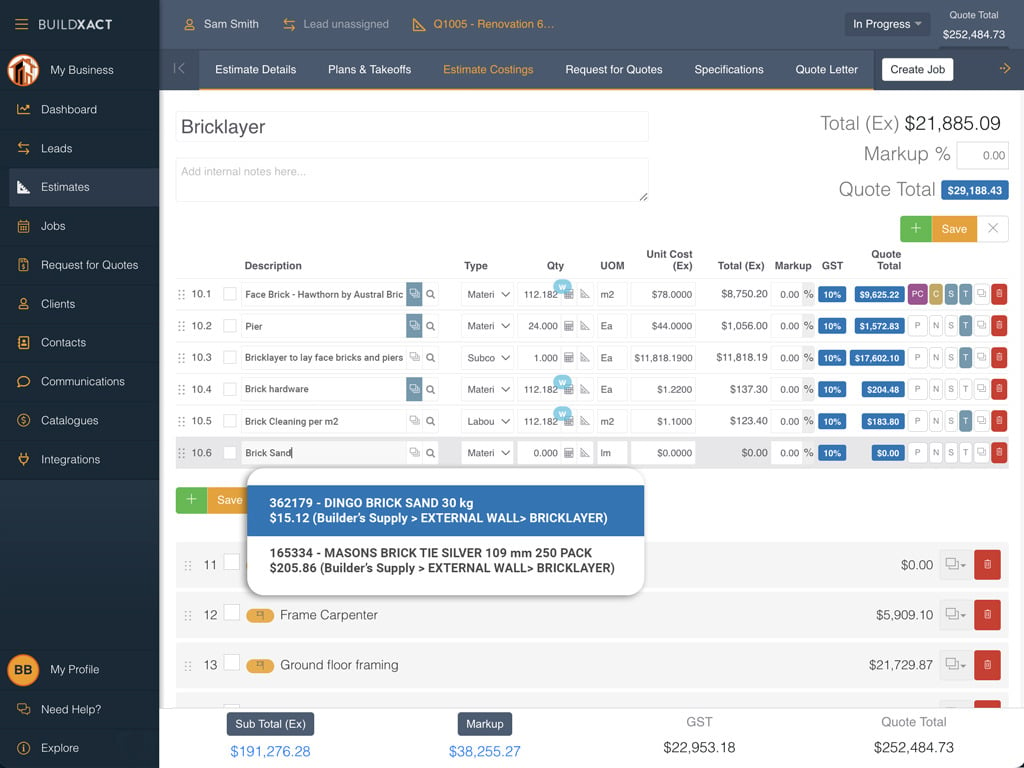
- On-screen digital takeoff with Blu AI: On-screen takeoff makes the measurement of the line item. Blu returns a Home-Depot-linked assembly in about 30 seconds, you check it, and the estimate is moving.
- Reusable project templates and assemblies: With templates, the last similar job is already there, adjusted for this job.
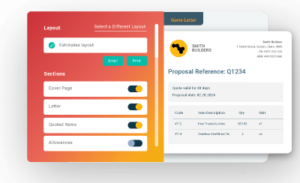
- A connected workflow: When you win a bid, it does not become a PDF. The line items carry forward, the POs are generated from the same data, and there is no drift between the bid you won and the job you are running.
Pros
- The bid matches the order receipt, so a won job no longer hides a margin gap.
- Templates and Blu build most of a bid before you start, turning a full evening into a short task.
- Hiring a second estimator does not enter the software bill. The growth decision remains a hiring decision.
Cons
- Built for residential builders, so commercial contractors will find it does not handle that complexity.
Pricing
Every plan includes unlimited users. Foundation $199/mo ($169 annual), Pro $399 ($339), Master $599 ($509), with annual plans on a 12-month commitment at a 15% discount.
2. JobTread: Best for builders who want a budget-led workflow and published pricing
Best for: Residential builders with small teams who want a budget-led workflow and predictable published pricing.
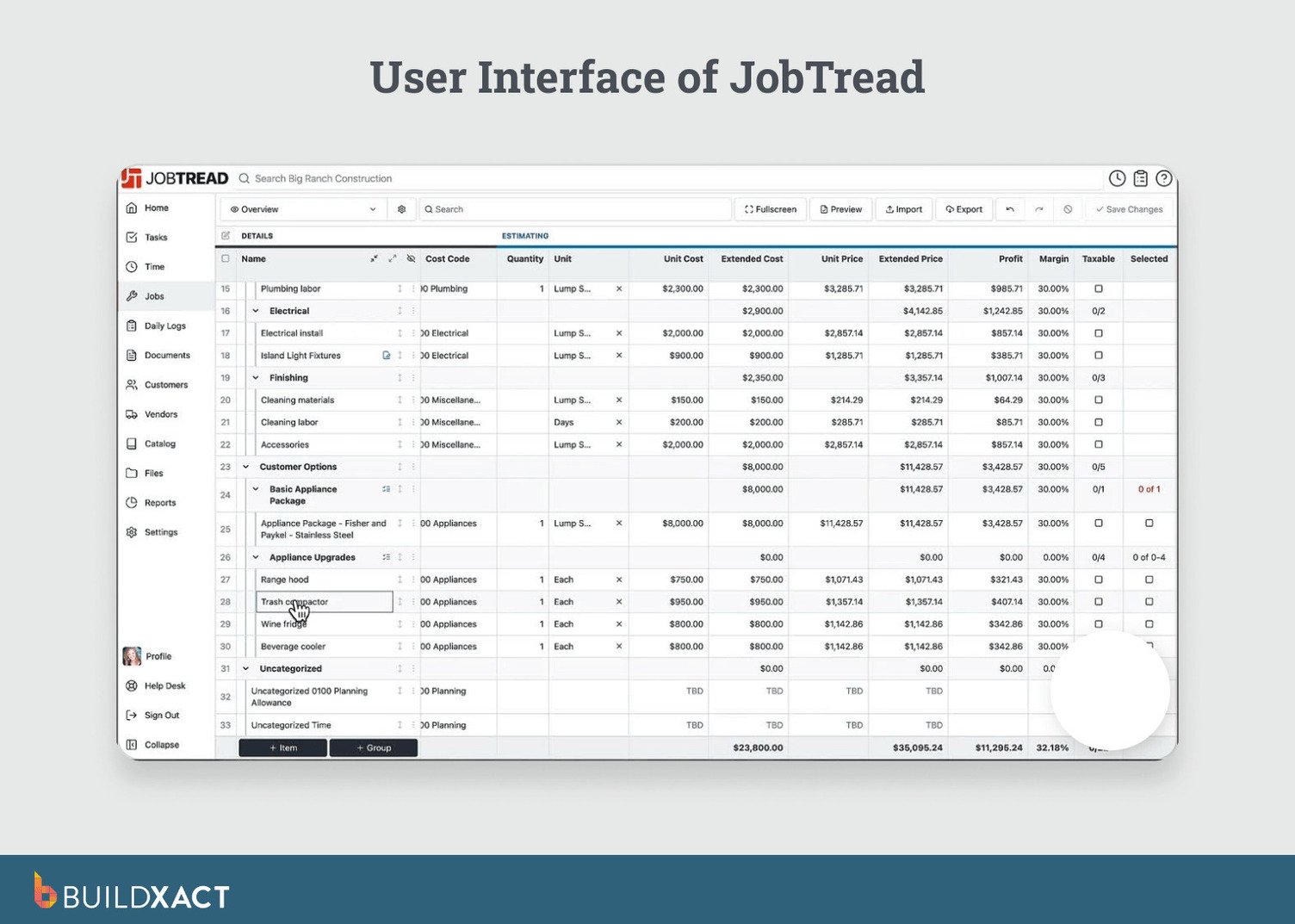
JobTread is a budget-led platform with published pricing. It includes its own on-screen takeoff. Estimating, budget tracking, and purchase order generation are available within the platform.
Key features
- Fixed-price, cost-plus, and time-and-material estimating with item-level target margins.
- On-screen digital takeoff with measurement formulas.
- Bid proposals with scope, terms, photos, electronic signatures, and read receipts; vendors, subcontractors, and customers use the portal for free.
Pros
- The external user portal is free for vendors, subcontractors, and customers.
- Published per-user pricing is straightforward to forecast.
Cons
- Per-user pricing increases as your team adds internal users.
- Residential estimating is less in-depth than Buildxact’s purpose-built workflow.
Pricing
- $199/mo base plus $20 per internal user, or $159 base and $18 per user annual (roughly 20% off).
3. Buildertrend: Best for larger residential operations with admin capacity
Best for: Larger residential operations with the admin capacity to run a full management platform.
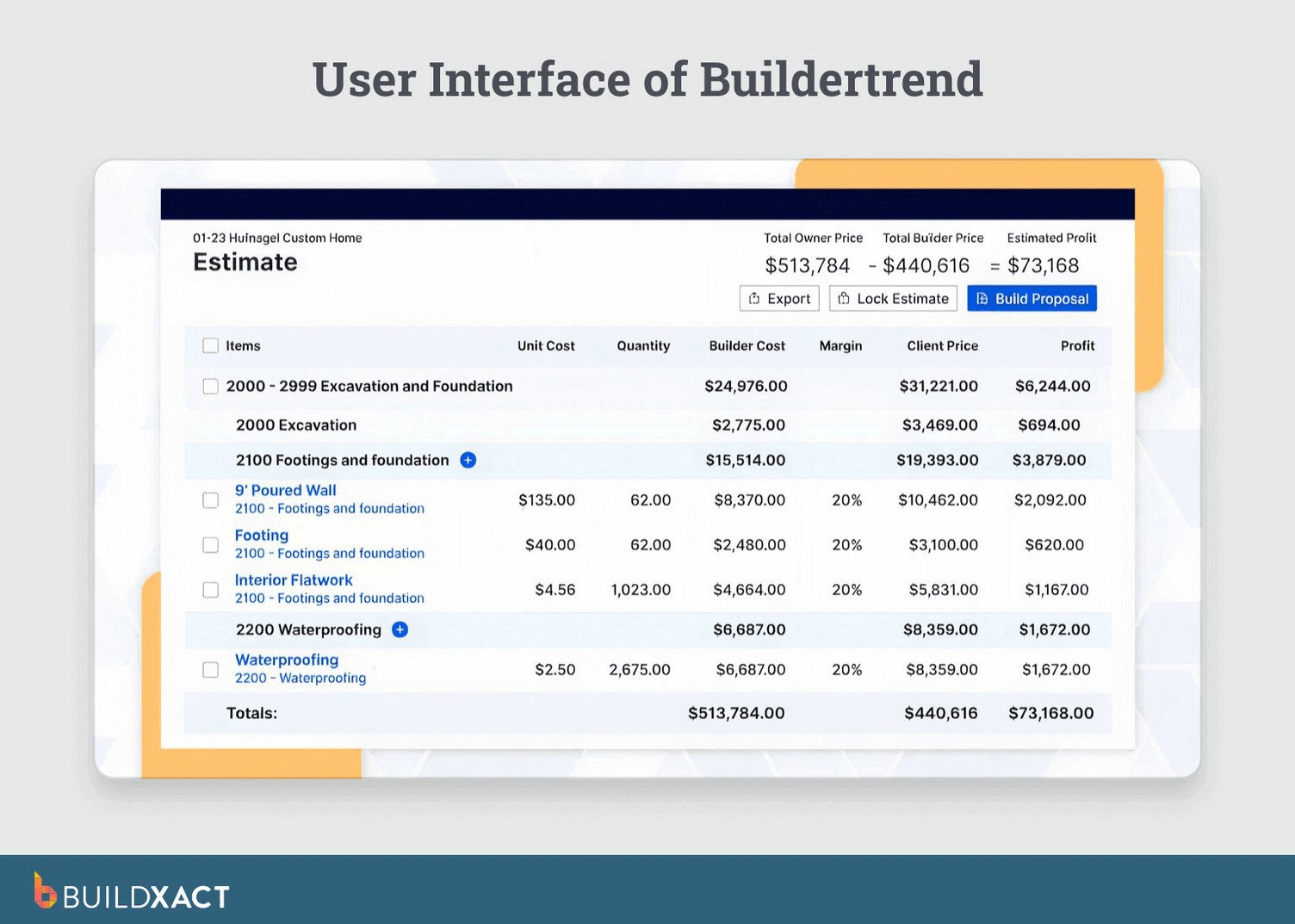
Buildertrend is a full project management platform that runs scheduling, documents, project budgets, and client communication in one place.
Once configured and fed consistently, it displays estimated, actual, and projected costs in a single view. It suits a business where management is the main need, and bidding is one piece.
Key features
- Job-costing budget showing estimated, actual, and projected costs and profitability.
- Digital takeoff, bid proposals, critical path scheduling, POs, and a client portal.
- QuickBooks integration on all plans; cloud-based real-time collaboration across the office, field, and clients.
Pros
- Scheduling and document storage are included.
- A client portal is available on all plans.
Cons
- The setup is long and complex, and you can spend weeks producing a single estimate.
- A small business that uses only part of the platform pays full price for half the software.
Pricing
Reach out to the sales team for a custom quote based on your needs.
4. ConstructionOnline (UDA): Best for builders who need cost tracking at the line level
Best for: Builders who need line-level cost tracking and can absorb a higher price and a longer setup time to get it.
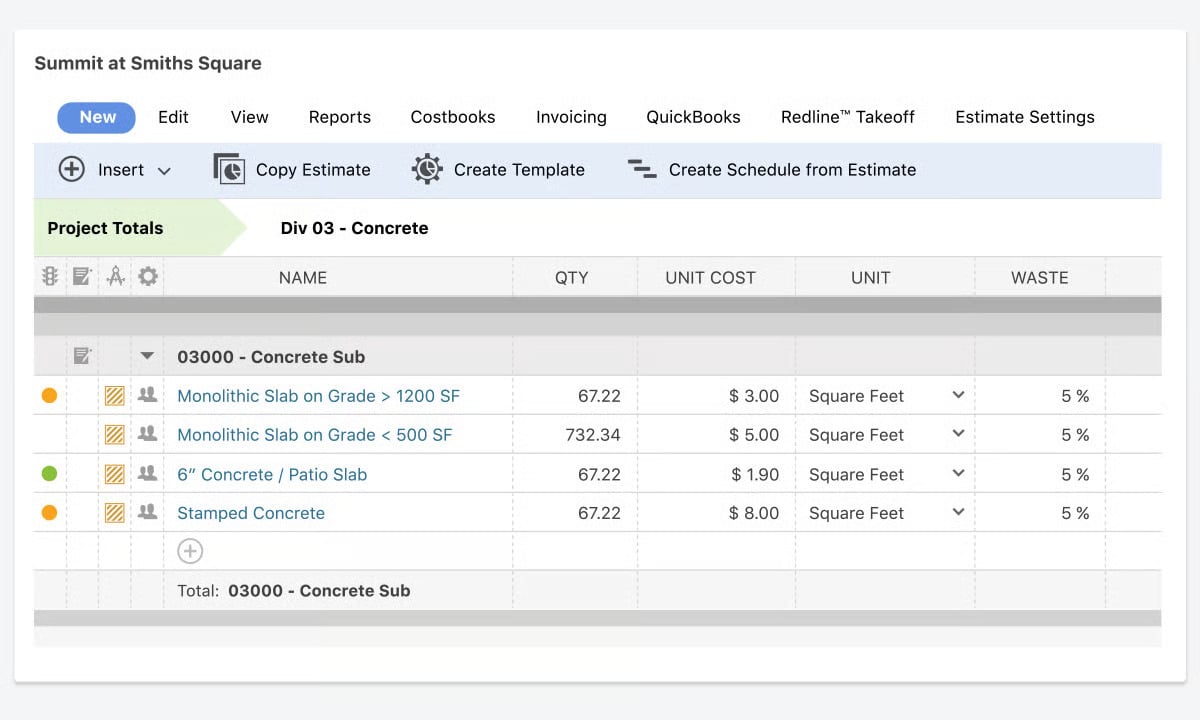
ConstructionOnline is built around OnCost, which tracks every dollar on a job line by line. When set up and fed consistently, OnCost shows estimated, actual, and committed costs at the line level, so “where did the money go on that job?” has an answer before the project closes.
Recent development has focused on the cost library, which is the area that a month-end reconciliation runs through.
Key features
- OnCost view tracking estimated, actual, and committed costs and profit, with overruns flagged.
- Estimating integrated with scheduling, project tracking, and cost reports.
- Redline and digital takeoff tools; client portal with real-time document sharing.
Pros
- Tracks every dollar on a job at the line level when fully implemented.
- A free trial is available.
Cons
- Expect weeks of setup before OnCost runs as expected
- Tiered pricing becomes harder to manage and more expensive as you adopt more functionality.
Pricing
The residential pro plan starts from $475/mo, residential team plan is $812/mo, while the residential business plan is $1292/mo.
5. Houzz Pro: Best for client-experience-first builders
Best for: Remodelers whose priority is winning jobs and managing the client experience.
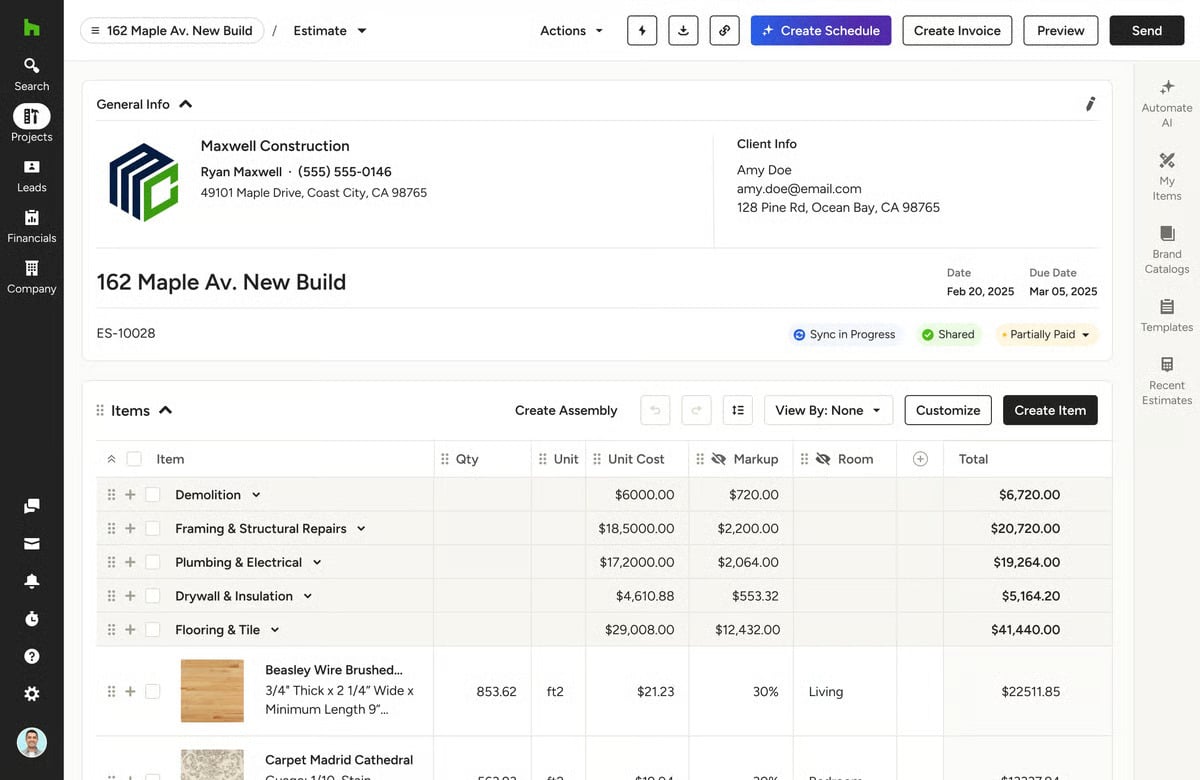
Houzz Pro is built around the client experience: 3D renderings the homeowner can walk through, one hub for client communication, and estimates, bid proposals, and lead tools.
Key features
- Estimates and proposals built from a cost catalog on the Pro plan.
- 3D floor plans, a client-facing dashboard, and jobsite documentation in one place.
- Change orders with planned and updated rows side by side; budget feature on the Custom plan with QuickBooks integration.
Pros
- 3D renderings and a communication hub are included.
- It allows you to have proposals and project details in one place.
Cons
- The budget feature requires the Custom plan, which moves pricing into sales-led territory.
- A builder reconciling estimates against actual margin at month-end will find the view always incomplete: bills paid through QuickBooks never appear in Houzz Pro’s budget.
Pricing
Sign up for a free demo on any plan to know how much you’ll pay.
6. Clear Estimates: Best for remodelers who only need estimates
Best for: Remodelers who want fast, templated estimates and proposals and do not need takeoff or project management.
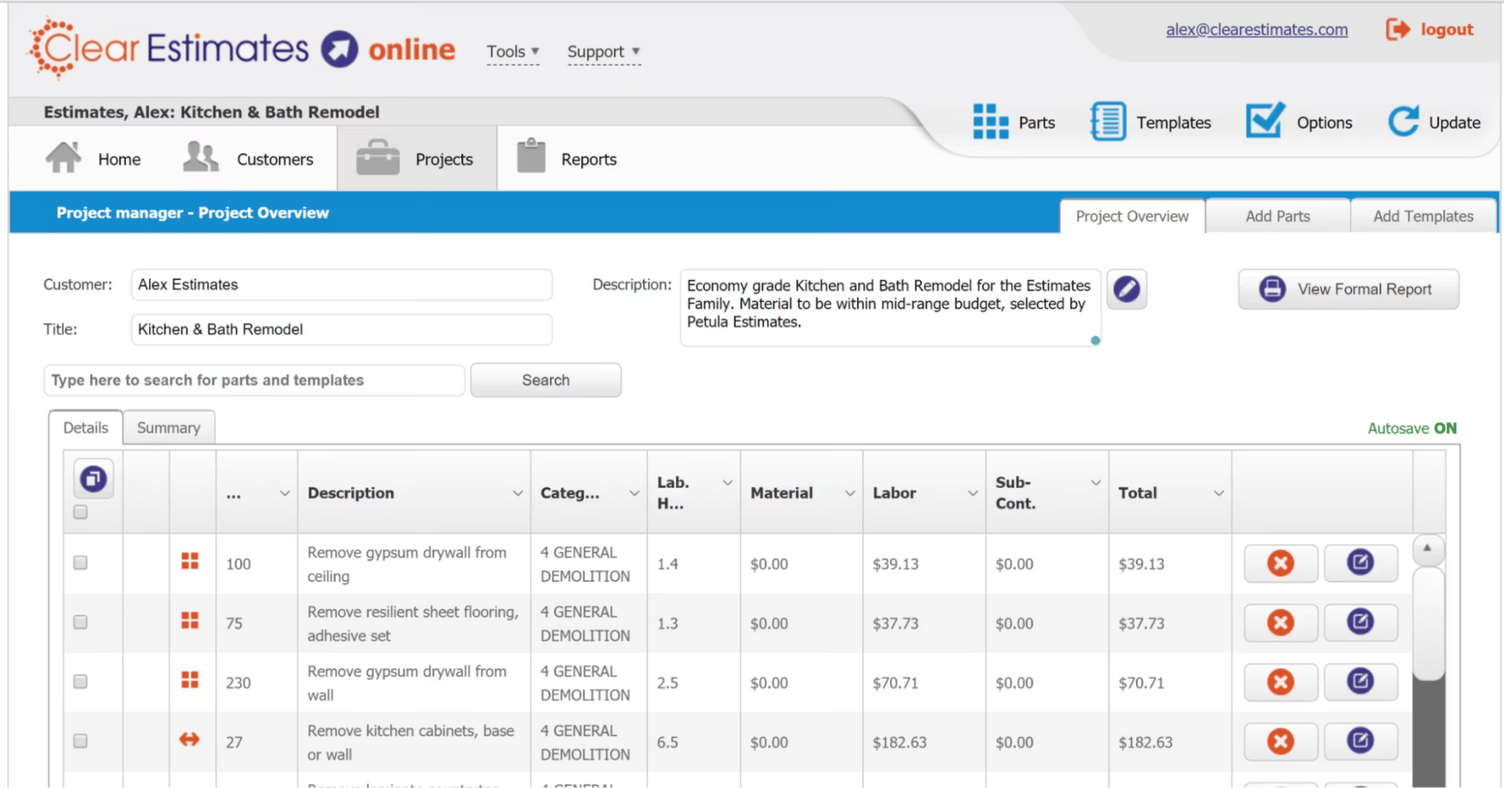
Clear Estimates produces fast, templated estimates and proposals at a low entry price, working from a maintained parts library with localized cost data. It suits the builder whose whole need is the estimate, not running the job that follows.
Key features
- A maintained parts library: insert a parts list by room or trade, calculate, edit for the job, save it back to the library.
- Localized cost data updated quarterly; proposals carrying markup and payment schedules.
- QuickBooks export (Desktop Windows only), plus Buildertrend export and Zapier on the Pro plan.
Pros
- Templated estimating for repeatable residential scopes.
- Cost data is localized to your area.
Cons
- Estimating-only: no takeoff, no project management, so the bid does not connect to the live job.
- Thin on project management compared with the connected tools above.
Pricing
Buildxact pricing is transparent and available on our pricing page.
When the Number You Bid Is the Number You Pay
You win the job, and then you go and order materials. This time, the order number matches the bid number because the bid was pulled from the same source. When the client calls about a change midway through the build, you can see what that change does to your margin before you say yes.
That is what changes when the bid and the job run on the same system. For a residential builder whose manual bidding is costing margin and who plans to keep growing, that system is Buildxact.
You can start for free.