
Spreadsheets break, whiteboards get erased, and email threads lose change orders. For residential contractors balancing estimates, schedules, subs, and clients all at once, the cracks in a manual system show up fast, and they’re expensive.
Home builder software exists to close those gaps. The right platform brings your estimate, schedule, budget, and client communication into one place, so when something changes on site, everything else keeps up.
In this guide, we compare the best home builder software options available in 2026, covering pricing, features, and who each platform is best suited for, so you can make a confident decision.
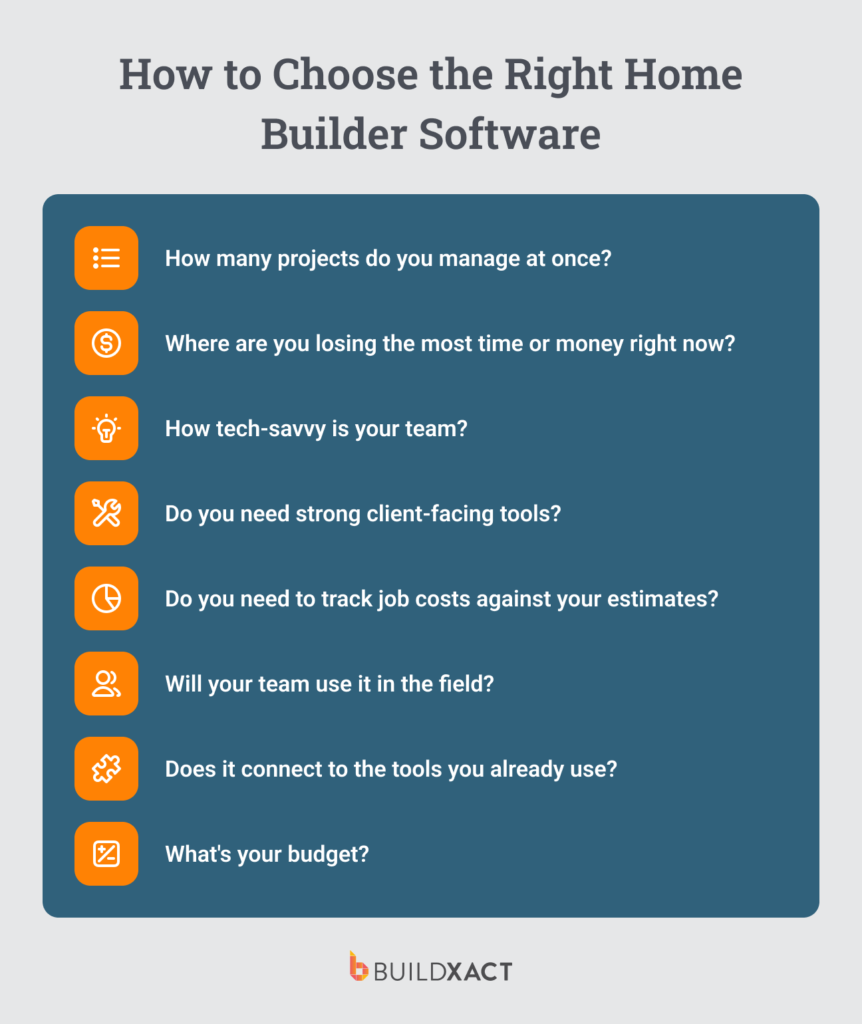
How to Choose the Right Home Builder Software for Your Business
The best home builder software isn’t necessarily the one with the most features. It’s the one that fits how your business actually operates. Here are a few questions to guide your decision.
How many projects do you manage at once?
The more projects you manage simultaneously, the more important scheduling, communication, and coordination become. Smaller builders benefit from software like Buildxact that focuses on estimating and job tracking. Larger production builders may need more advanced scheduling and CRM tools to keep multiple active builds organized.
Where are you losing the most time or money right now?
If estimating and takeoffs are your biggest time drain, prioritize platforms built around that workflow. If scheduling and keeping jobs on track is the bigger issue, look for tools with strong Gantt charts, task dependencies, and automatic schedule updates.
How tech-savvy is your team?
The best software is the one your team can use, not the one with the longest feature list. If you need to get up and running quickly, you don’t want your team to have to do a lot of training to use the software.
Do you need strong client-facing tools?
Client portals, selection tracking, approvals, and real-time updates reduce back-and-forth and help you look more professional in front of homeowners.
Do you need to track job costs against your estimates?
Job costing and budget tracking let you see your margins before problems turn into costly surprises. If you’re losing money between your bid and the final invoice, this feature will tell you why.
Will your team use it in the field?
Mobile access matters if you and your team need to log progress, upload photos, and check schedules in the field, not just at the office.
Does it connect to the tools you already use?
Good accounting integrations save a lot of double-handling. If you already use tools like QuickBooks or Xero, make sure the software connects properly with your accounting workflow.
What’s your budget?
Most residential builder software ranges from around $50 to several hundred dollars per month, depending on features and team size. The important question is whether the software saves enough time, rework, or admin to justify the cost.
The 6 Best Home Builder Software Options in 2026
| Software | Pricing | Best for | Key features | Rating |
| Buildxact | From $169/mo | Small to mid-sized residential builders | Digital takeoffs, estimating, AI-assisted workflows, job costing | ★★★★★ |
| Buildertrend | From $199/mo | Production builders | CRM, scheduling, client portal | ★★★★½ |
| Sage 100 Contractor | Contact for price | Financial-heavy residential contractors | Construction accounting, payroll, job costing | ★★★★ |
| Procore | Contact for price | Mid-to-large firms | Compliance, RFIs, subcontractor management | ★★★★ |
| Houzz Pro | From $149/mo | Design-build remodelers | 3D design, lead generation, client presentations | ★★★½ |
| Hyphen Solutions | Contact for price | Production builders | Supply chain, subcontractor scheduling | ★★★ |
1. Buildxact
Best for: Small to mid-sized builders who want to win more bids
Starting price: From $169/month
Free trial: Yes. 14 days, no credit card required
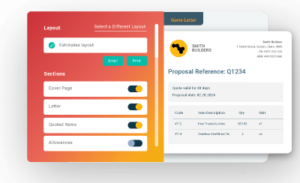
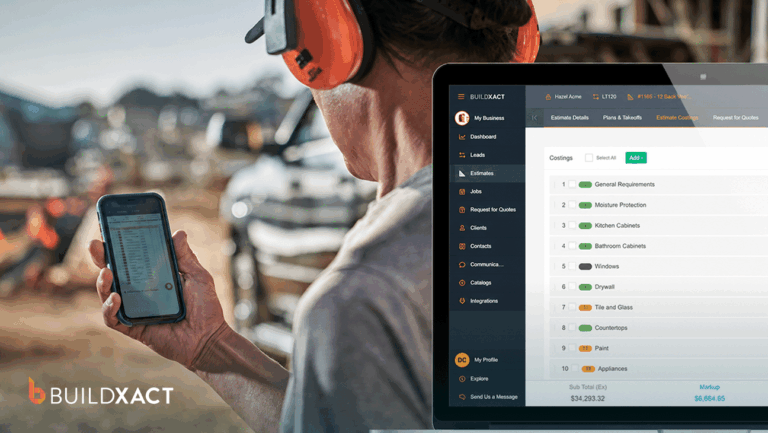
Buildxact is purpose-built for small and mid-sized residential builders who need to estimate faster, win more work, and manage projects without getting buried in admin. The software combines digital takeoffs, estimating, scheduling, job costing, and client management in one connected system built around residential construction workflows.
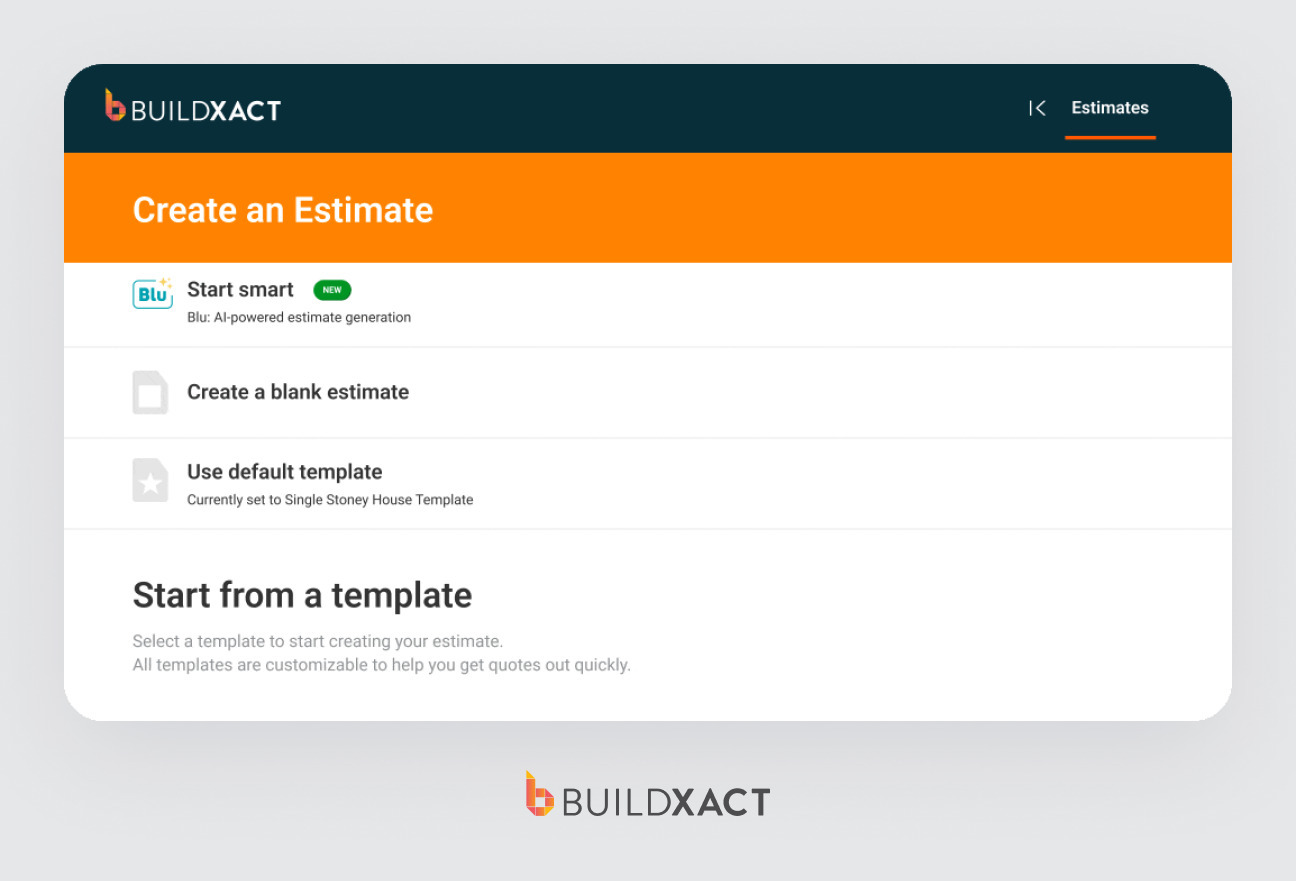
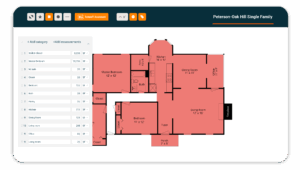
Estimating is where Buildxact is strongest. Builders can upload plans directly into the platform, complete digital takeoffs, build estimates, and push approved bids into scheduling and job costing without re-entering everything manually later. Quantities and pricing stay connected to the job instead of ending up across multiple spreadsheets and documents.
Builders using Buildxact report cutting takeoff time by up to 50%, while Blu, your own AI assistant, helps review estimates for missing items and reduces some of the repetitive admin involved in preparing bids.
Compared to larger construction management systems, Buildxact is also much easier to get running. Most residential builders can pick up the workflow quickly because the platform is focused on estimating, scheduling, and job costing rather than enterprise reporting and corporate-level controls.
For smaller residential contractors, that balance is a big part of the appeal. The software gives you more structure and visibility without adding another layer of complexity to the business.
Key features:
- Digital takeoffs with point-and-click simplicity
- Automated estimating with cost database integrations and live material pricing
- Blu AI Construction Assistant for estimate generation and review
- Client communication portal for approvals and updates
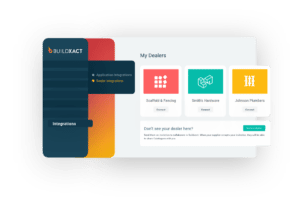
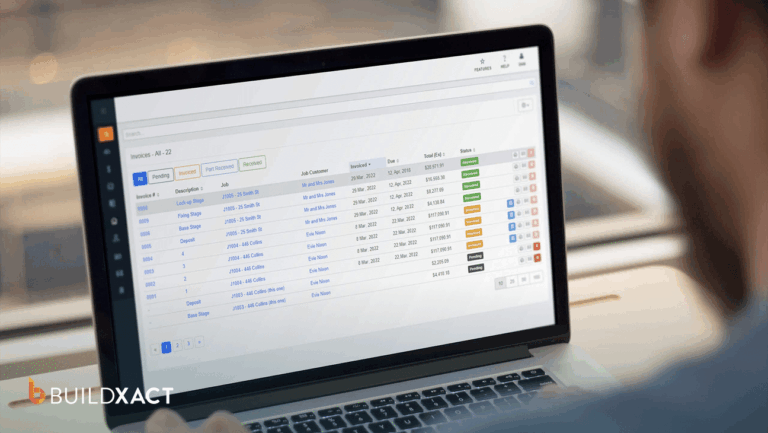
- Job costing, invoicing, and accounting integration (QuickBooks, Xero)
- Cloud-based and accessible from the office, site, or anywhere
What builders say about Buildxact:
“My life before Buildxact involved juggling multiple software tools, leading to inefficiencies and increased costs. Now, with Buildxact, everything is in one location, and managing projects has become significantly easier.”
— Jaime Hommerding, XPRES Kitchen and Bath
2. Buildertrend
Best for: Production builders and larger teams managing high job volumes
Starting price: From $199/month
Free trial: Demo available
BuilderTrend is aimed at residential builders who want a single system to manage the operational side of a project, rather than piecing everything together manually. It combines scheduling, daily logs, change orders, selections, client communication, invoicing, and lead management into a single platform, making coordination easier when multiple projects are running simultaneously.
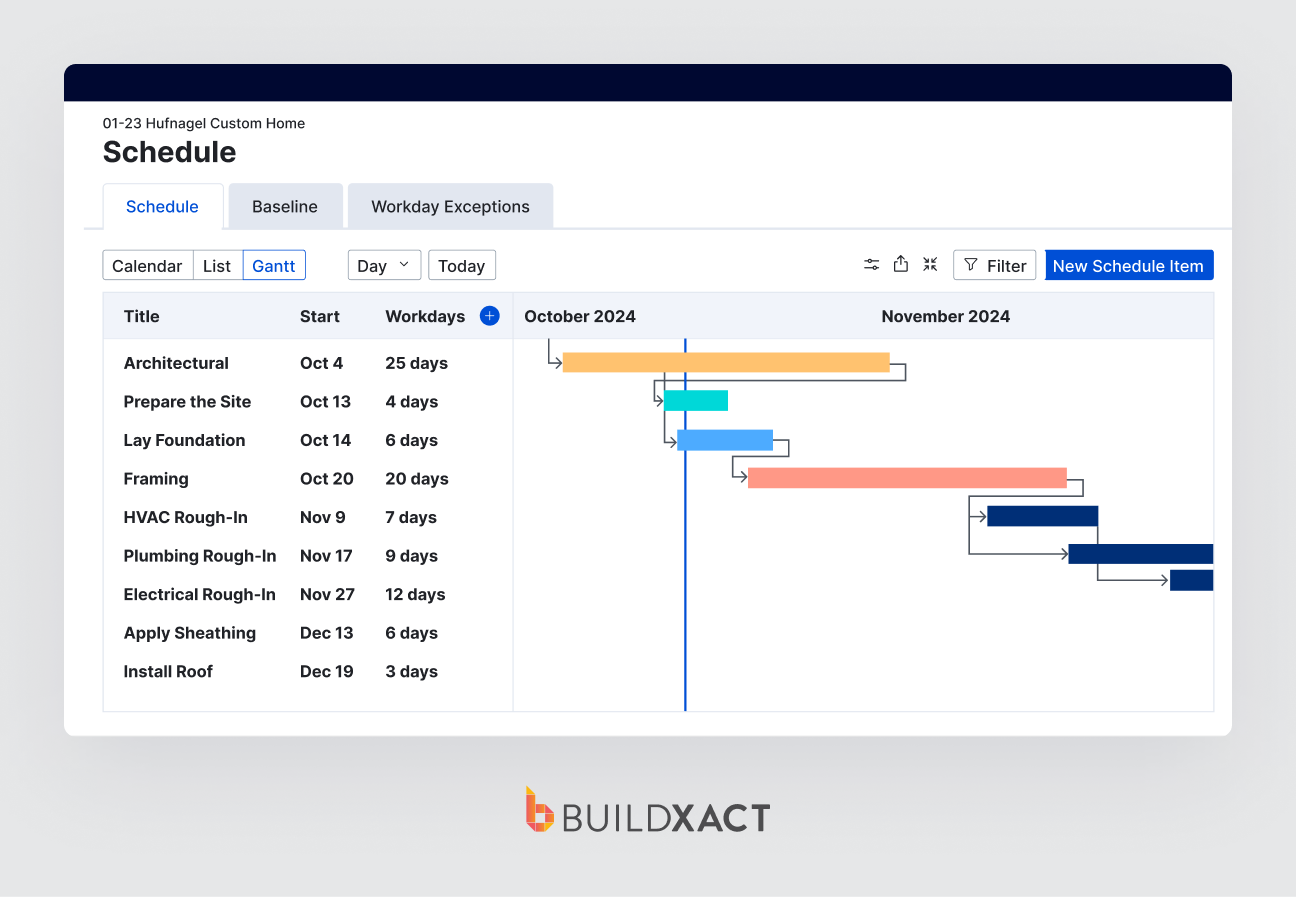
One thing Buildertrend handles fairly well is the constant communication that comes with residential construction. Instead of chasing updates across emails and text messages, homeowners can log into the portal to follow progress, approve decisions, and see what’s happening on-site.
Most core project management tools are fairly easy to navigate, even for teams that are not particularly tech-savvy.
Key features:
- CRM and lead management with email marketing tools
- Scheduling, daily logs, change orders, and punch lists
- Homeowner portal with AI-powered progress updates
- Job costing and financial tracking
- Online payment processing
Where it falls short:
Buildertrend tries to centralize almost everything into one platform, which is useful, but it also means there’s a lot to learn upfront. Builders looking for something lightweight and estimating-focused may find parts of the system more involved than they actually need.
3. Sage 100 Contractor
Best for: Established residential contractors and builders who prioritize accounting, job costing, and payroll
Starting price: Contact for pricing (typically $100 – $200/user/month)
Free trial: Demo available
If your biggest operational challenge is financial management rather than estimating speed, Sage 100 Contractor is one of the most capable platforms available. It handles job costing, payroll, accounts payable, accounts receivable, and financial reporting with more depth than general-purpose construction tools.
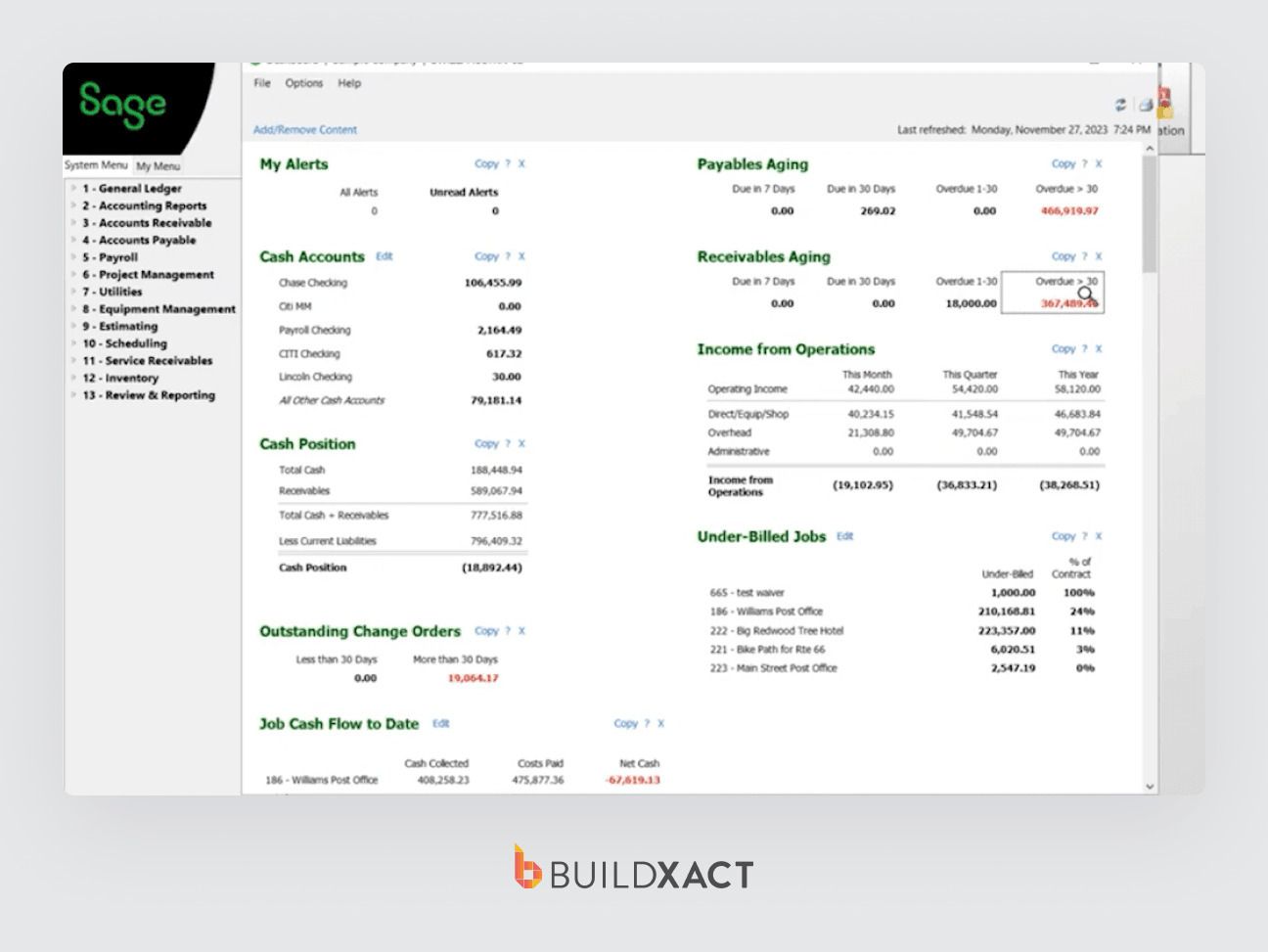
Where it struggles is on the project management and pre-construction side. Takeoffs, digital estimating, and day-to-day scheduling are not the focus of this home builder software. Since residential contractors need to price and send bids quickly, this is important to consider. Most builders who use Sage 100 are running it alongside a separate estimating tool, which adds cost and complexity.
It’s also worth noting the learning curve. Sage 100 Contractor often requires a certified consultant, and getting your team fully up to speed takes months rather than days.
Key features:
- Full construction accounting suite (GL, AP, AR, payroll)
- Detailed job costing and cost-to-complete reporting
- Subcontractor management and compliance tracking
- Purchase order and inventory management
- Financial reporting and audit trails
- Integration with estimating tools via third-party connectors
Where it falls short: Sage 100 is an accountant’s tool first and a builder’s tool second. If you’re a small to mid-sized residential contractor who needs to estimate faster, win more bids, and keep projects on schedule, the complexity and cost are hard to justify.
4. Procore
Best for: Larger residential firms and enterprise builders with complex compliance and reporting needs
Starting price: Custom pricing (typically higher investment)
Free trial: Demo available
Procore is an enterprise-grade construction management platform used across commercial and residential construction. It’s geared toward larger homebuilders and developers managing multiple active projects, larger teams, and more formal construction workflows.
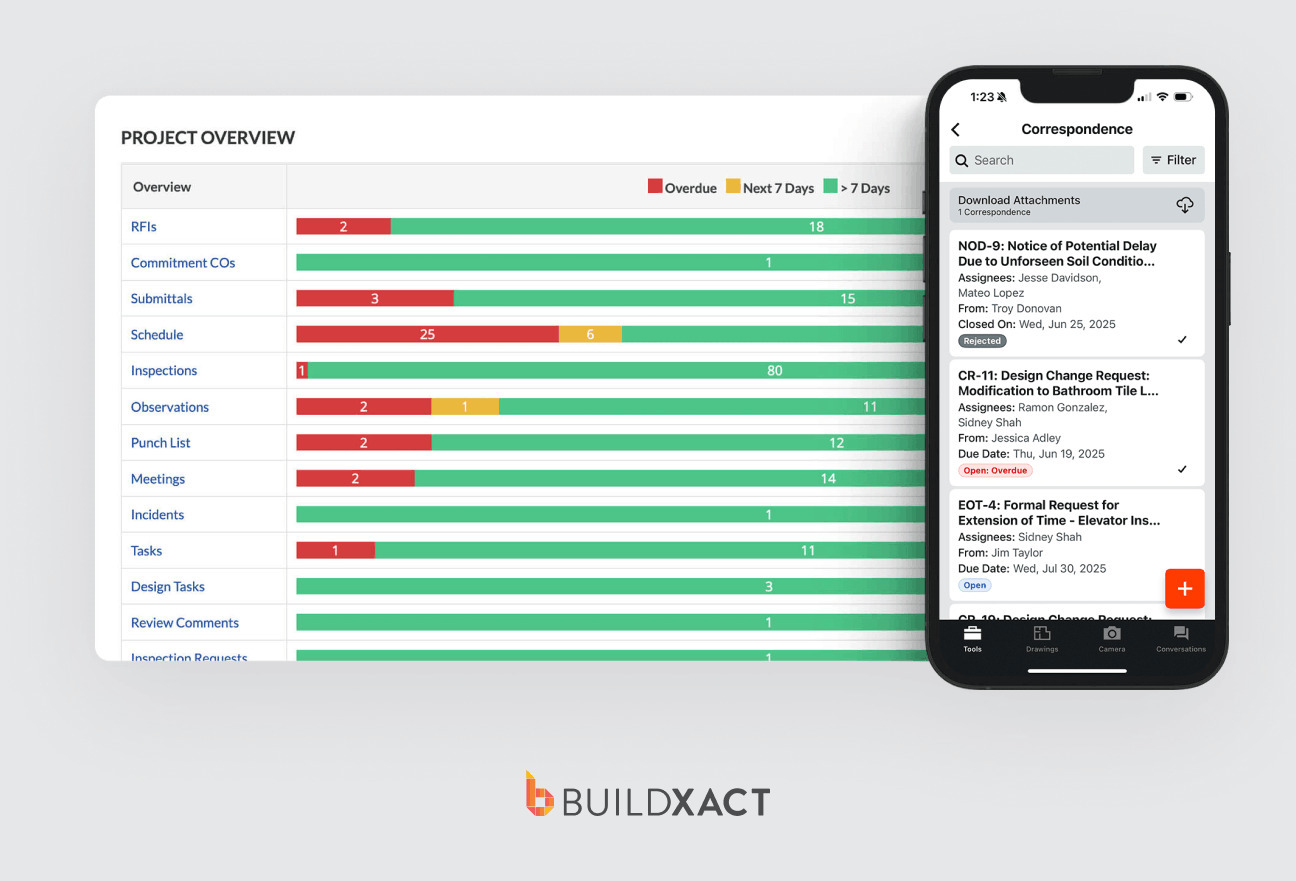
The platform is particularly strong in areas like document control, RFIs, compliance, budgeting, and subcontractor coordination. For companies running high-volume operations or complex builds, having that level of structure and oversight can become essential.
For smaller custom builders, Procore can feel heavier than necessary. The implementation process is more involved, the learning curve is steeper, and many of the advanced workflows only really pay off at a larger scale.
Key features:
- Comprehensive document control and RFI management
- Subcontractor management and bid management tools
- Financial management with budget forecasting
- Extensive integration marketplace (400+ integrations)
- Strong compliance and safety tracking tools
Where it falls short: The pricing is difficult to justify for many smaller residential contractors, especially if they only use a fraction of the platform’s functionality. Teams without dedicated project admins may also find the system more time-intensive to maintain day to day.
5. Houzz Pro
Best for: Remodelers and design-build firms with a strong visual sales process
Starting price: From $149/month
Free trial: 30-day trial available
Houzz Pro combines project management tools with lead generation through the Houzz marketplace, making it a distinct platform from most construction software. For design-build remodelers who rely on visual selling, the 3D rendering tools and mood board features can give builders an edge when competing for projects.
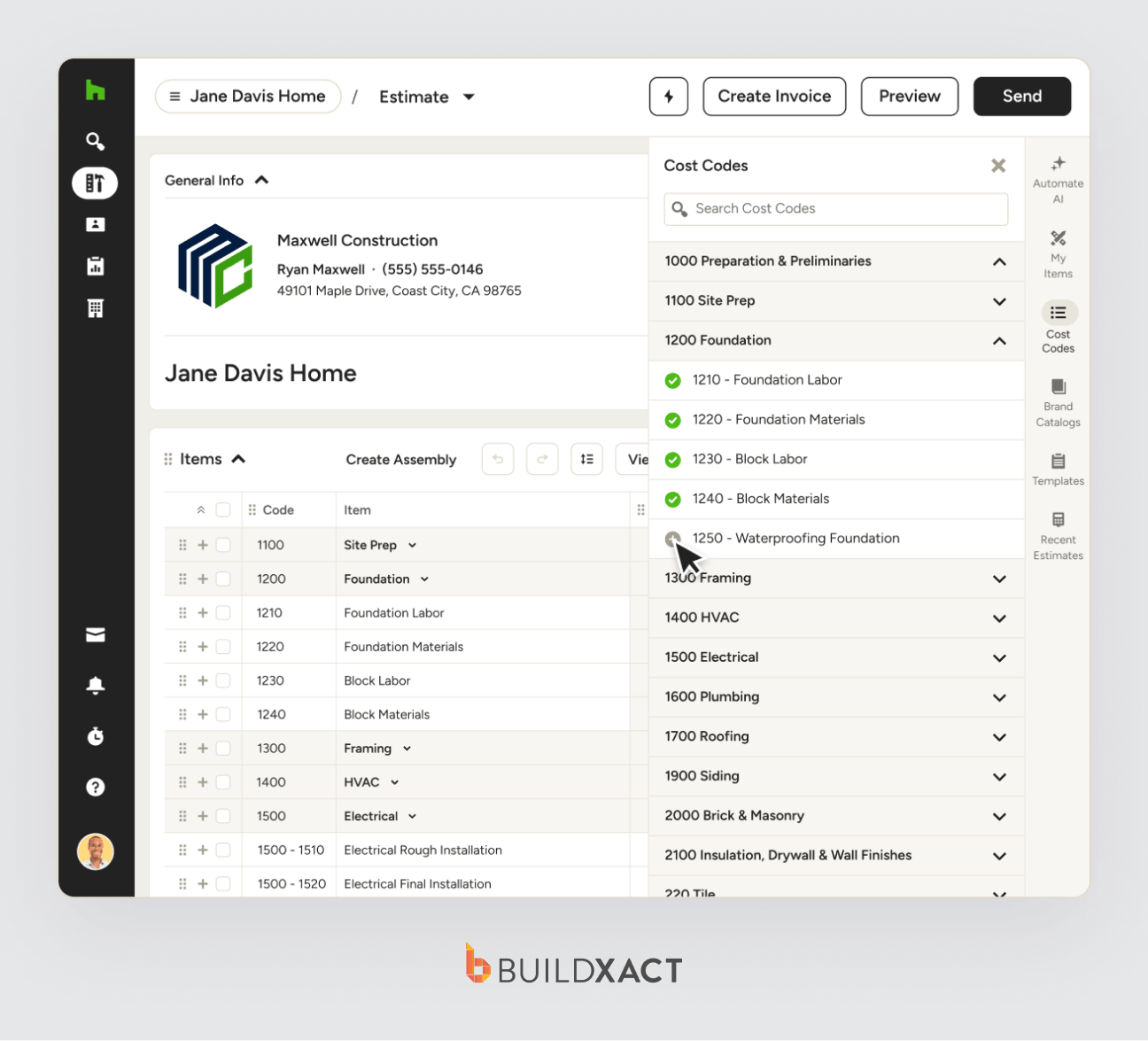
On the project management side, Houzz Pro handles estimates, proposals, scheduling, and invoicing. It’s not as advanced as dedicated estimating software for detailed takeoffs, but it works well for remodelers who focus on design and client presentations during the sales process.
Key features:
- 3D floor plans and renderings for client presentations
- Lead generation through the Houzz marketplace
- Estimates, proposals, and invoicing
- Project scheduling and client messaging
- Mood boards and product catalogs for selections
Where it falls short: Houzz Pro is strong on the visual and client-facing side, but it’s less capable in detailed estimating and cost management. It’s also tied to the Houzz ecosystem, so if lead generation from that platform isn’t valuable to your business, you’re paying for something you won’t use.
6. Hyphen Solutions
Best for: Large-scale production, residential builders, managing dealer and subcontractor partner networks
Starting price: Contact for pricing
Free trial: Not available
Hyphen Solutions is built specifically for production home builders managing large dealer and subcontractor networks. Its flagship platform, BuildPro, connects builders with subcontractors, dealers, and distributors to help coordinate purchase orders and material deliveries across high-volume residential developments.
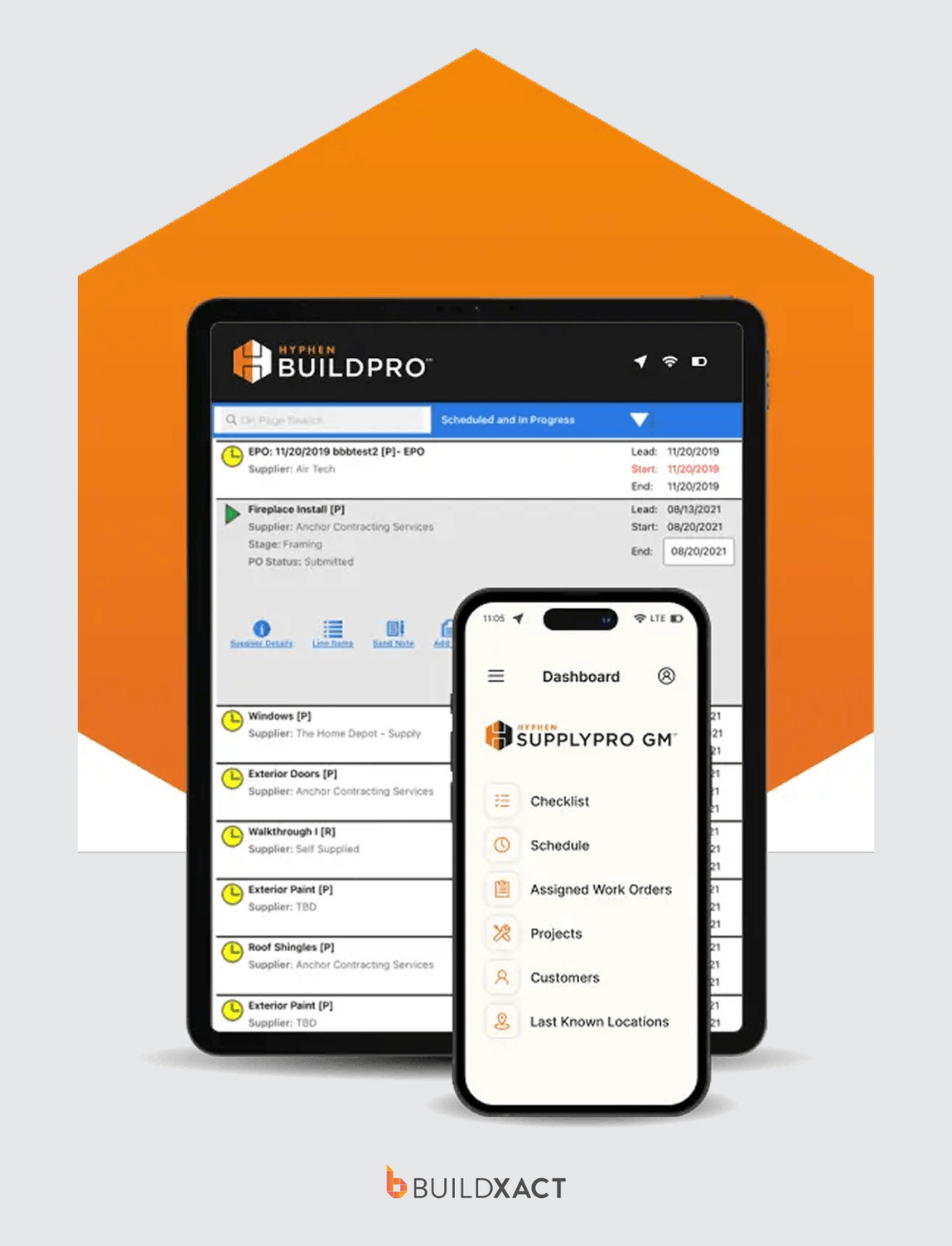
For high-volume builders, that level of supply chain coordination becomes much easier. But for smaller custom builders and remodelers, Hyphen is usually far more than you need. The platform has a more complex setup process and pricing structure that only really makes sense for large-scale construction businesses.
Key features:
- BuildPro subcontractor partner scheduling and coordination
- SupplyPro dealer and purchase order management
- Warranty and service request management
- Community and lot management for production builds
Where it falls short: Hyphen Solutions is built for a very specific buyer. If you’re not building at scale, the cost and complexity make no sense.
Software Built for the Way You Build
The best home builder software should make your day easier once projects get busy, not add another system to manage. If you’re bidding between site visits, chasing dealer pricing, coordinating subcontractors, and still trying to keep projects profitable, the software has to work the way you already build.
Buildxact hits the right balance of power and simplicity. The combination of fast digital takeoffs, AI-assisted estimating, and a clean scheduling interface gives you the tools to bid faster and win more jobs.
If you want software that keeps your projects organized from first takeoff to final invoice, try Buildxact for free or contact our team for a demo.
FAQs
How much does home builder software typically cost?
Most small to mid-sized residential builders spend somewhere between $50 and $300 per month, depending on the platform and team size. Some software charges per user, while others use flat monthly pricing with unlimited users.
Can home builder software replace spreadsheets?
For most builders, yes. Home builder software centralizes estimating, scheduling, job costing, and project communication in a single system, which is usually faster and easier to manage than juggling multiple spreadsheets.
How long does it take to get set up with home builder software?
It depends on the platform. Enterprise systems like Procore often require more onboarding and configuration, while platforms designed for smaller residential builders, like Buildxact, are generally quicker to get up and running.
Is it better to pay per user or a flat monthly rate?
That usually comes down to team size and the number of people who need access. Per-user pricing can work well for smaller teams, while flat-rate pricing often becomes easier to manage as your business grows and more staff, subcontractors, or office users need access.