

Building a one-of-a-kind home from scratch is one of the most rewarding projects in residential construction. You’re working from a blank canvas, not a preset package. Every design choice, finish, and layout decision is tailored to a specific client and site.
That freedom is exciting, but it also introduces a level of complexity.
Custom home builders act as the central coordinator between clients, architects, engineers, dealers, inspectors, and multiple subs. And for many small businesses, that coordination sits on the shoulders of one person.
Custom home builder software exists to bring order to that complexity. It’s a form of residential construction management software that pulls estimating, pricing, scheduling, takeoffs, communication, and job tracking into one system. So even as decisions change, bespoke projects stay organized, profitable, and moving forward.
Here’s what to look for in custom home builder software, what tools are out there, and how it can help your business thrive.
How Custom Home Builder Software Helps Residential Builders
The demand for custom-built homes is on the rise — last year alone, 19% of all single-family starts were custom homes, up from 17.5% from the previous year. With this growing demand for bespoke homes, custom home builders are under more pressure to manage their projects efficiently.
To stay relevant and competitive, builders are steadily moving away from spreadsheets and paper-based processes. Recent industry research shows that construction teams using modern, data-driven tools are seeing productivity gains of up to 15%.
Here’s why software adoption is less about innovation and more about keeping pace.
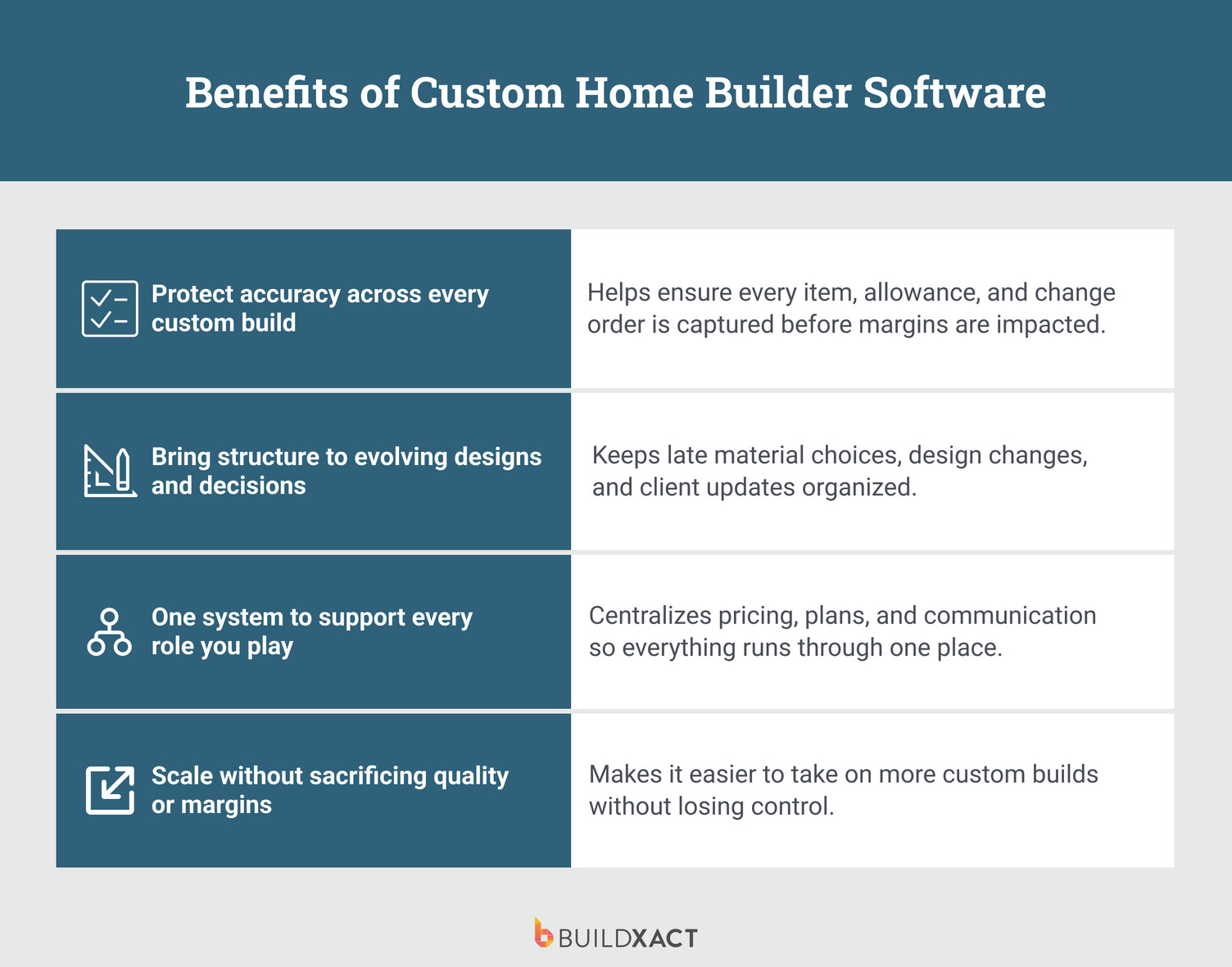
Protect accuracy across every custom build
Custom homes don’t come cheap. At roughly $200 to $550 per square foot, with materials eating up close to 60% of total build costs, there’s very little room for “near enough.” When prices shift, even a cost estimation miss can quietly wipe out your margin.
Custom builder software helps you stay ahead of that risk by keeping takeoffs, pricing, allowances, and change orders fully connected. Nothing relies on memory or scattered notes, and when changes pop up mid-build (as they always do), the numbers update with them instead of slipping through the cracks.
Bring structure to evolving designs and decisions
Custom homes come with more ambiguity than your run-of-the-mill home. They don’t follow fixed templates or standard inclusion.
The big calls tend to happen during the build. Materials are finalized late, designs evolve as walls go up, and clients change their minds once rooms start to feel real.
That flexibility is part of what makes custom builds exciting. But without structure, this excitement turns into mental clutter and last-minute scrambles. The right systems keep freedom intact without letting chaos take over.
One system to support every role you play
Custom builders wear a lot of hats, from early site advice to design input, build delivery, and even future renovations. When that information lives everywhere, you end up being the system.
Homebuilder software pulls it all into one place, keeping plans, pricing, schedules, and change orders connected. Less mental load and fewer loose ends mean more time to focus on the build itself.
Scale without sacrificing quality or margins
Many custom builders limit how much work they take on just to stay sane. But that puts growth and quality at odds with each other. With better systems in place using a custom home builder software, you take on more projects without added stress, and keep your profits intact as you grow.
Key Features to Look For in Custom Home Builder Software
Not all construction software is built for bespoke homes. Custom projects demand flexibility, clarity, and tools that work with you, not systems that assume every job looks the same.
Here’s what matters.
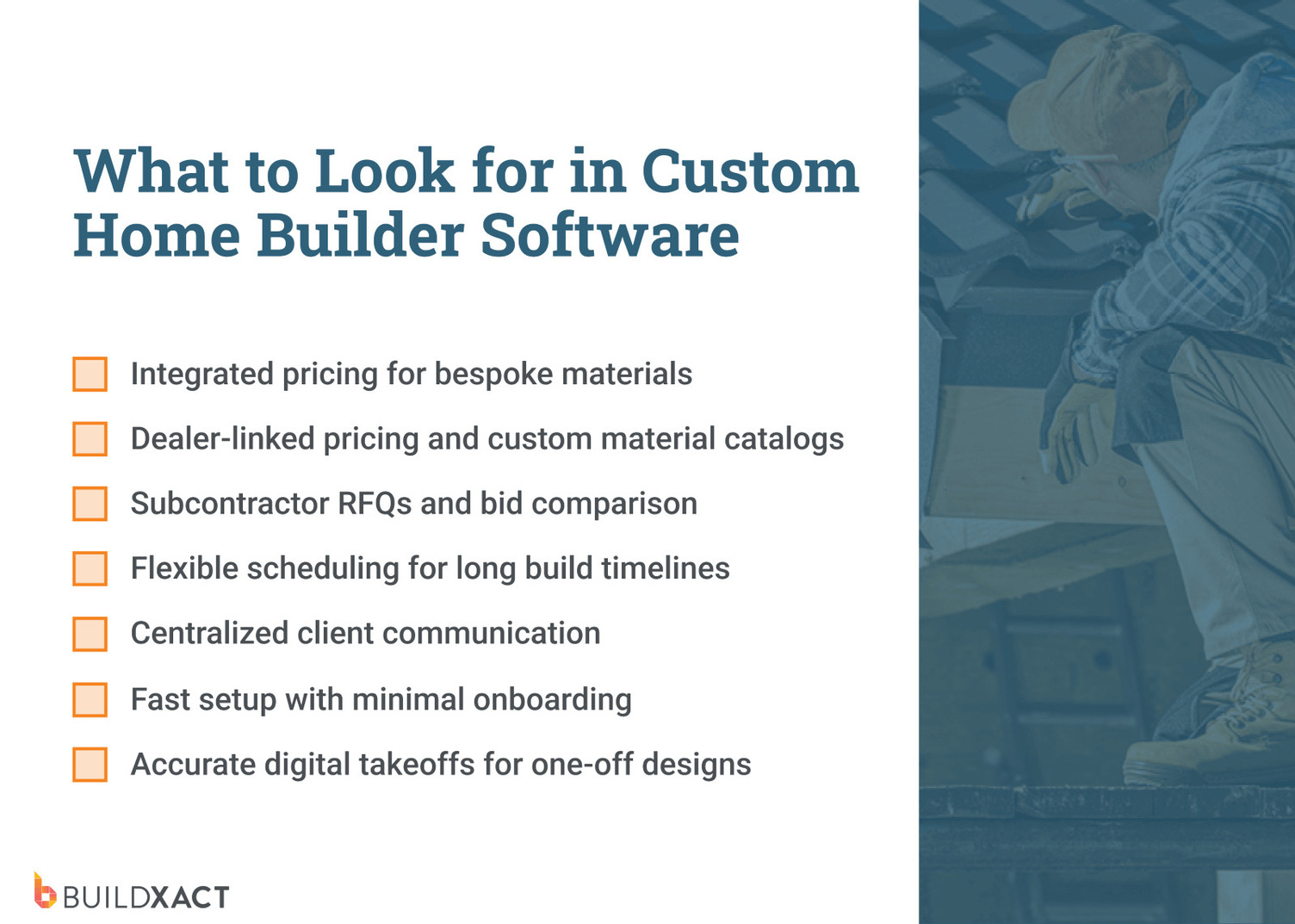
Integrated pricing that can handle the unusual
One custom home might use standard brick and tile. The next includes imported stone, custom steelwork, and cabinetry that’s literally designed for one wall. Those bespoke items rack up fast, and pricing mistakes hurt more here than anywhere else.
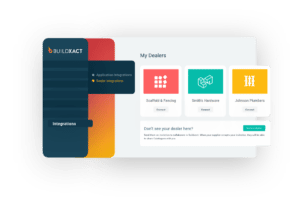
Your software should handle everyday materials and one-off selections, connect to major dealers, and let you create custom material catalogs for the oddball stuff that never appears twice.
Built-in tools for managing subcontractor bids
Custom builds live or die by specialist trades. Think custom joinery, stonework, glazing, or steel. With construction bidding software, you can send RFQs to multiple subcontractors at once, they can submit their bids, and you can choose who to work with.
Scheduling for extended build timelines
Custom homes take time. A spec build might wrap in under nine months, but a true custom home can stretch past 15 months. And no two schedules look the same.
Good home builder project management software makes it easy to build timelines and project milestones from scratch, tweak them when scope changes (again), and share updates with trades who just want to know when they’re needed.
Centralized client communication
Custom clients want updates, and lots of them. Instead of hunting for a message about the kitchen tap, using customer communication software keeps conversations, approvals, and real-time updates in one place.
Fast setup with minimal onboarding
Most custom builders don’t have time for week-long onboarding or training sessions. If you can’t set up a project quickly and use it live, it’s not helping. The best tools feel intuitive from day one.
Accurate takeoffs for one-off designs
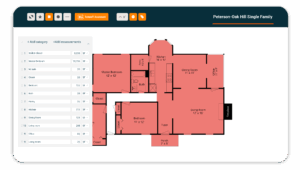
Every custom home is a first build. There’s no template or standard design blueprints to fall back on. Construction takeoff tools need to handle odd layouts, reduce manual measuring, and make updates easy when plans change.
Custom Home Builder Software Comparison Guide: The Best Tools for Residential Builders
Some tools shine at scheduling and client updates, while others focus on estimating and pricing control. Below is a practical comparison of popular software options used by residential builders for custom jobs.
Buildxact
Buildxact is the best software for custom residential builders who don’t work from fixed inclusions or cookie-cutter plans. It’s designed for builders managing one-off homes, evolving designs, and constant client changes, where accuracy, speed, and pricing control matter more than rigid workflows.
Instead of forcing custom builds into a production-style system, Buildxact adapts to how custom homes are actually delivered. Estimates, material costs, variations, purchasing, and schedules all stay connected, so if plans change, you’re not rebuilding jobs from scratch or losing track of margin.
Benefits
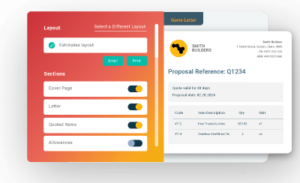
- Flexible templates for custom work: Start with ready-made templates that aren’t locked into standard inclusions, providing a faster starting point while still supporting fully bespoke homes.
- Centralized client portal: Share updates, documents, and key information in one place to keep clients informed and conversations organized.
- Fast estimate updates as designs evolve: Adjust quantities, materials, and pricing as plans change, with updates flowing through the estimate without manual rework or double entry.
- Immediate setup and fast adoption: Sign up and start estimating immediately, without lengthy onboarding or complex configuration for small teams.
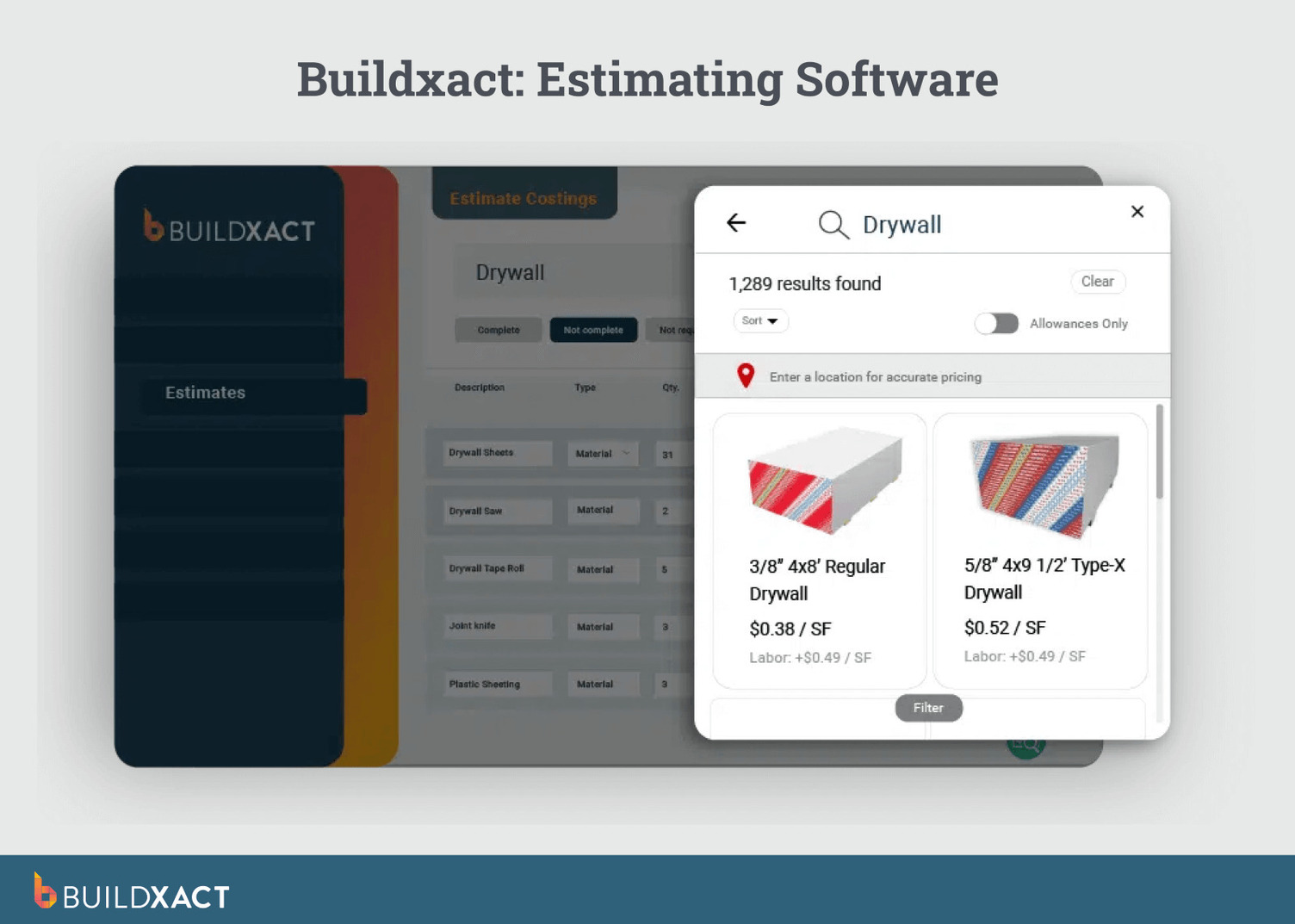
- Custom material catalogs: Create and manage your own material catalogs for one-off fixtures and specialty finishes. Unique items are tracked with the same accuracy as standard materials.
- Live dealer pricing integration: Pull live pricing from connected material vendors directly into your estimates, helping custom builders stay aligned with real-world material costs on long projects where prices can shift over time.
What clients say:
“To builders out there thinking about using Buildxact, give it a shot and just see how quickly you will be able to work the key features into your daily workflow.”
Limitations
Buildxact is purpose-built for residential builders. If your work primarily involves large commercial projects with complex compliance requirements, RFIs, and enterprise reporting, it’s likely not the right fit.
Best for
It’s best for hands-on custom-build residential builders who do it all. They need software that keeps up, without a steep learning curve or enterprise-level overhead.
BuildTools by ECI
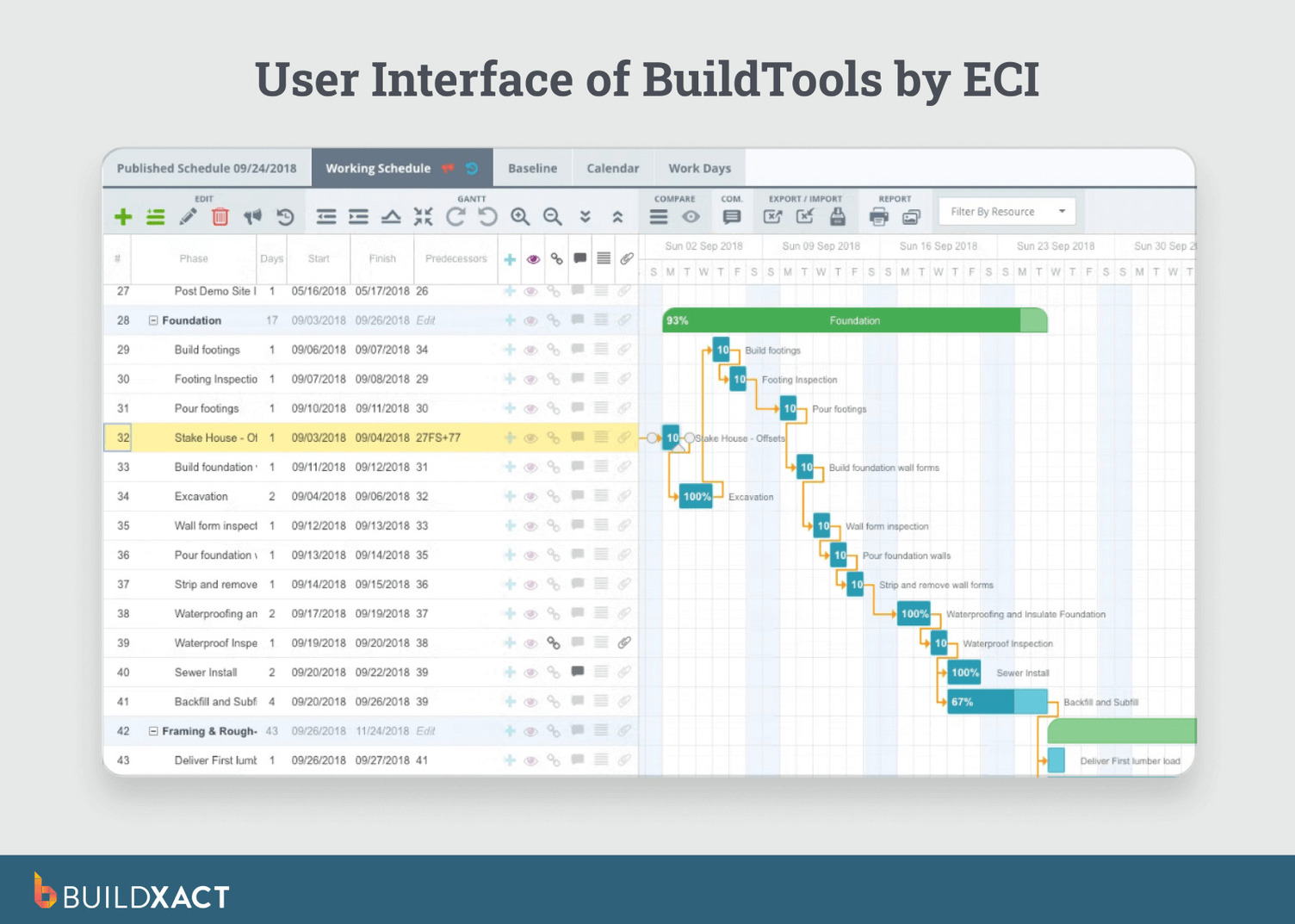
BuildTools is a cloud-based project management software focused on project tracking, scheduling, and documentation rather than estimating or pricing. It’s built to handle longer, more complex custom home builds where keeping plans and timelines organized is the main priority.
The platform is often used alongside separate estimating or takeoff tools, rather than as an all-in-one system.
What are the benefits?
- Strong project scheduling and document control
- Good visibility across long, complex builds
Limitations
- Limited estimating and takeoff functionality
- Slightly steeper learning curve for small teams
- May require additional software for pricing and estimates
Best for
It’s a good fit for established custom builders who want home builder project management software and client coordination but already have estimating covered elsewhere.
Buildertrend
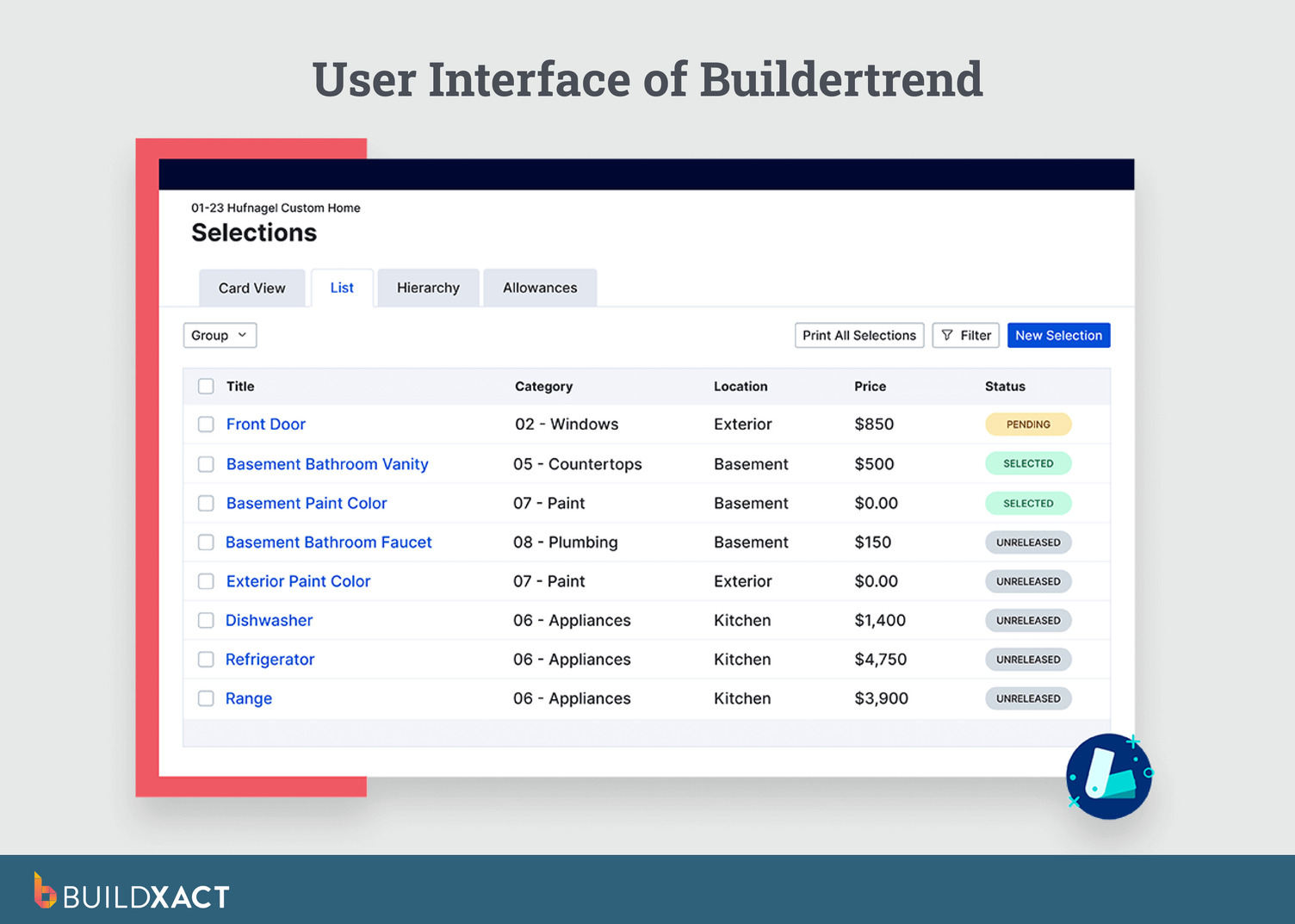
Buildertrend is a broad construction platform used across custom homes, renovations, and production builds. It combines scheduling, client communication tools, change orders, and job tracking into a single system that standardizes how projects are run.
It works best when jobs follow predictable phases and processes, rather than evolving design-and-price cycles.
What are the benefits?
- Centralized scheduling, documents, and daily logs
- Built-in tools for change orders and job tracking
Limitations
- Can feel rigid when the scope, materials, or timelines change frequently
- Feature-heavy for smaller teams that want speed over structure
Best for
It’s designed to support a wide range of residential build types, rather than custom-first workflows.
BuildBook
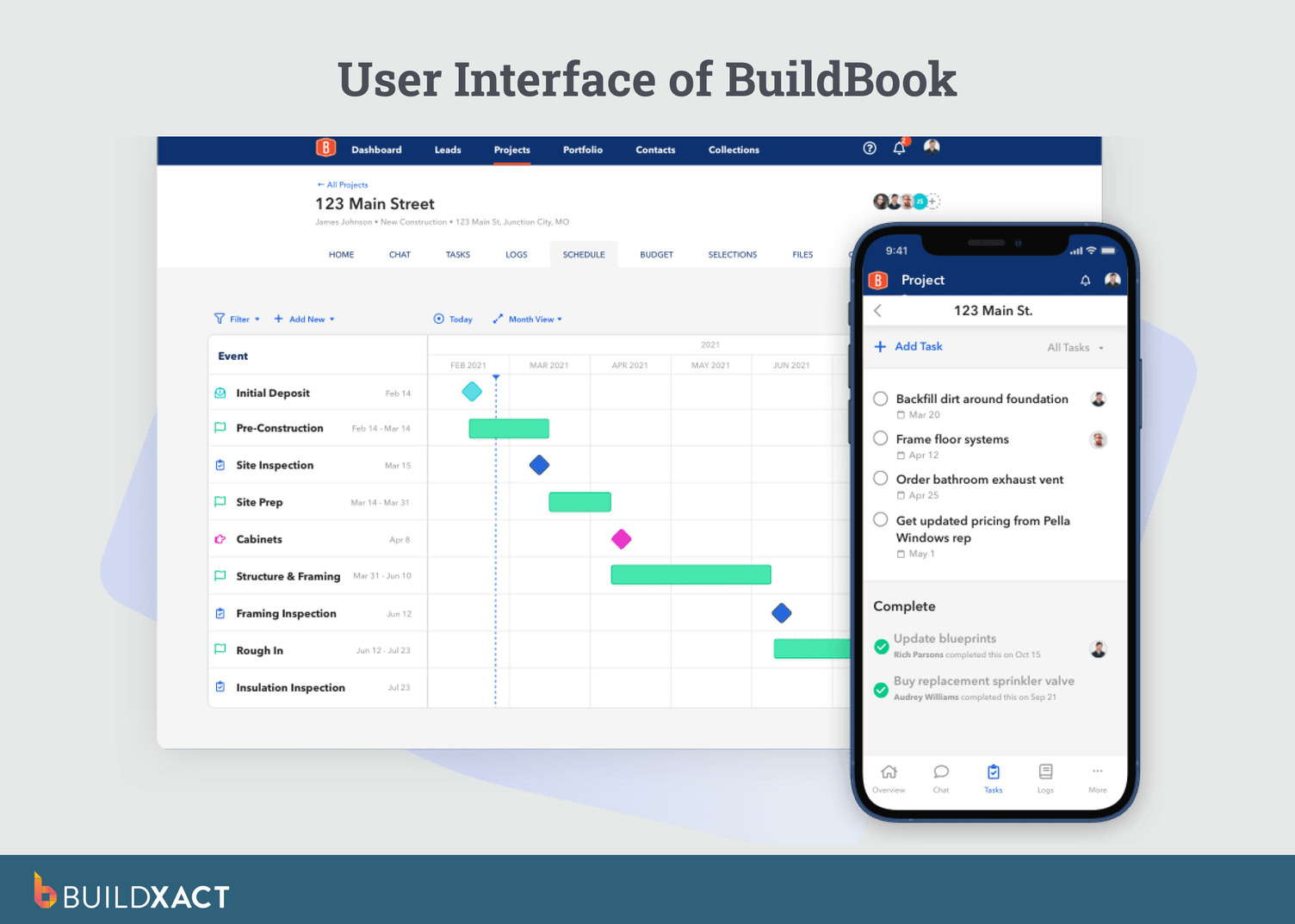
BuildBook is focused on the client experience. The software’s core focus is helping builders present timelines, selections, updates, and progress clearly to homeowners throughout the build.
Internally, BuildBook is lighter on operational depth and is often used to complement other tools that handle estimating, purchasing, or detailed cost control. It’s less about managing complexity behind the scenes and more about keeping clients informed and confident.
Benefits
- Centralized communication and collaboration for teams, clients, and subcontractors
- Intuitive project management with scheduling, task tracking, and daily logs
Limitations
- Not as focused on financial or scope control workflows for highly bespoke projects
- Less/limited specialized estimating and takeoffs compared with dedicated estimating tools
Best for
Best for general builders with simpler, routine residential projects.
Software Built for One-off Homes, Not One-Size-Fits-All
Custom home builder software shouldn’t be another thing to add to your never-ending to-do list. It should provide you with visibility, control, and confidence across long, complex projects.
When plans evolve, clients change their minds, and one-off materials enter the mix, scattered emails and spreadsheets make it far too easy for details to slip through the cracks.
Buildxact is designed to support the way custom builders work — flexible, hands-on, and detail-driven. Its features help you stay organized, protect margins, and focus on delivering homes that truly reflect your clients’ vision.
See how Buildxact can simplify your next custom home project. Start using it for free today.