
Material costs don’t stand still. One week, a price looks workable; the next, it’s jumped. And suddenly, an estimate you felt confident about is putting pressure on profit.
For many home builders, the biggest challenge in estimating is keeping costs up to date while juggling jobs, dealers, and changing plans.
When estimates rely on static spreadsheets or last month’s price lists, even the most careful builders are left exposed. Outdated numbers creep in, revisions take longer than they should, and small gaps turn into lost margin once the job starts.
This guide shows you how to estimate building materials more efficiently, with practical methods that help you stay on top of fluctuating prices and build estimates that win jobs, all without adding more admin to your plate.
What is a Materials Estimate?
As the name suggests, a materials estimate is a detailed breakdown of all the materials required for a construction project, along with their projected costs.
The purpose of a materials estimate is to give you a clear understanding of how much material you’ll need and what it’s likely to cost before you start the job. The “materials” in question can include building materials, such as concrete, lumber, and steel, as well as finishes like paint and fixtures.
In a materials estimate, only the materials themselves are counted—not expenses like labor, equipment, and other indirect costs. These will be included in the construction estimate, which is separate from the material estimate.
Key aspects of a material estimate
A solid materials estimate includes the following elements:
- Quantity takeoff: The process of measuring and counting all required materials from the plans, to capture the full scope of work before pricing or ordering begins.
- Cost calculation: This involves multiplying the price per unit for each material by the quantity needed to obtain the total cost.
- Material identification: Here, you’ll list all the materials you’ll need—from structural elements to finishes—and note how they’re sold (e.g., by piece, by bundle, etc.).
- Budgeting tool: A robust budgeting tool is crucial for setting a realistic budget and bid for a project, so you can make sure the project is financially viable.
- Project planning: Clear, structured project planning lets you create a work schedule, manage inventory, and prevent delays or unnecessary purchases.
Who’s responsible for material estimates?
While large companies often have dedicated estimators to handle estimating tasks, small builders or contractors usually find that estimating is one of the many “hats” they have to wear themselves.
In your own business, consider who’s invested in the project, who produces tenders or bids, or who has a building budget. All of these people should be aware of the project costs and involved in the material estimate process.
When is the right time to do a materials estimate?
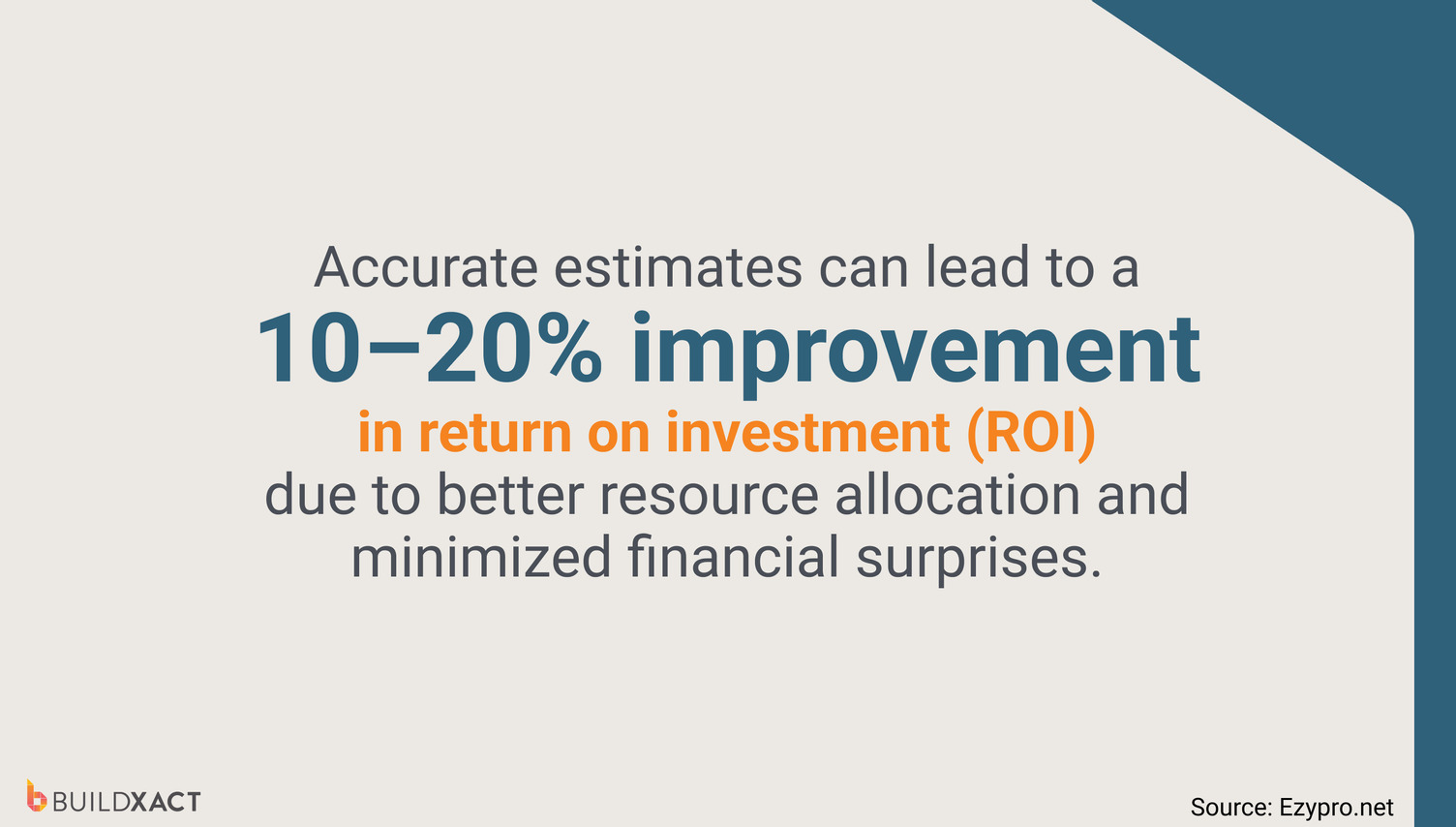
In short, the earlier, the better. Your materials estimate should be performed well before the work begins, ideally at the idea stage of the job (even if it’s just a rough estimate).
This will tell you whether the project is even feasible and help you ensure a positive return.
Once you’ve decided to go ahead with the project, you can get to work creating an accurate material estimate from the blueprints. Once you’ve established the materials you need, the next step is to work with your architect to ensure you have the best building material at the best cost, according to your budget.
Once all costs have been calculated and a contract has been signed, it’s time to begin construction.
Different Types of Estimates and When to Use Them
When it comes to construction cost estimating, there isn’t one “right” way to do it. Builders use different methods to count, determine, or estimate, depending on how much information they have, how far along the job is, and how tight the margins need to be.
The Unit Pricing Method
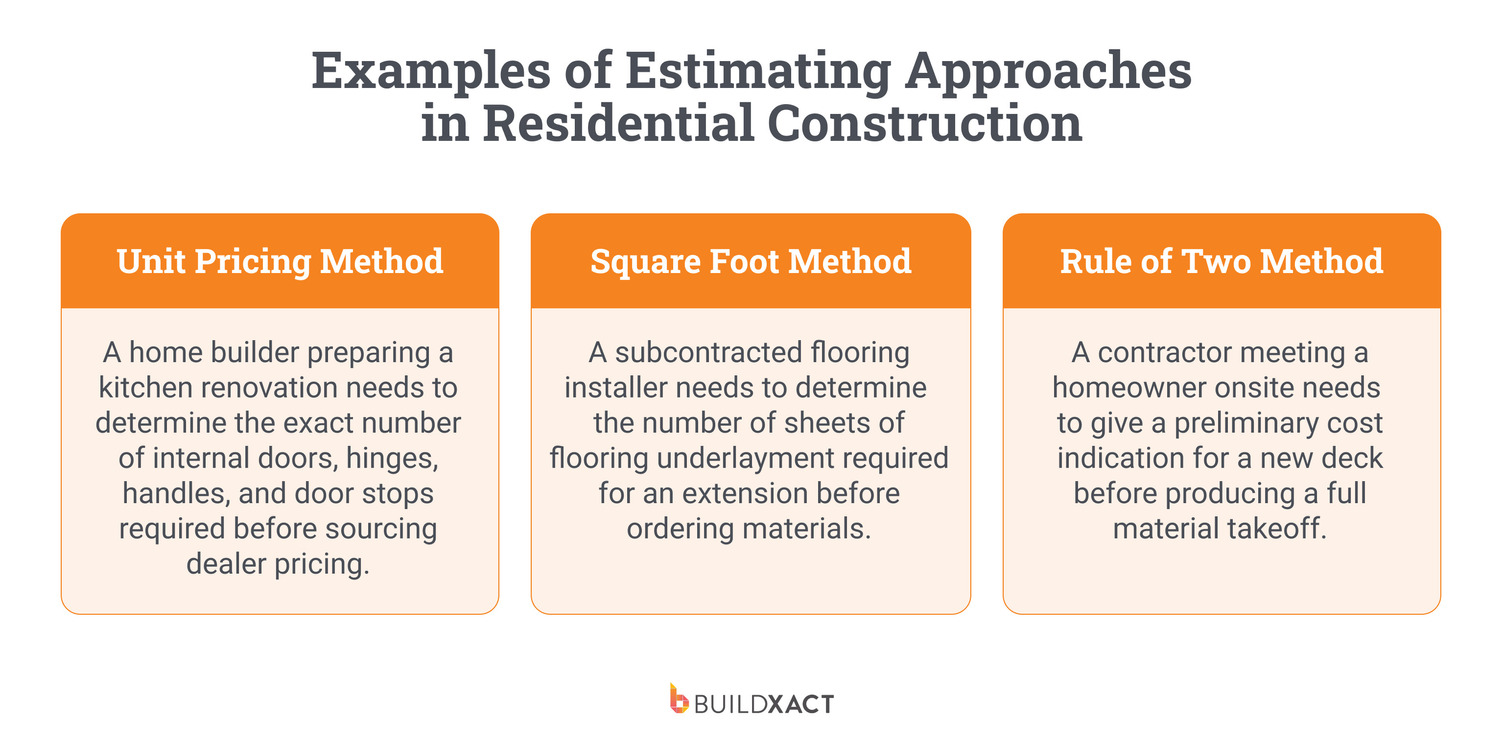
This method is used when materials are priced and purchased one item at a time. Think doors, light fittings, handles, appliances, or fixtures. It also applies to small items sold in fixed packs—for example, a box of nails would be treated as a single unit.
You count every required unit, multiply it by the unit price, and build up your total estimate line by line. Timing matters here, as material prices can fluctuate between quoting and job start.
When to use it: When materials are purchased individually or in fixed quantities, and accuracy depends on counting every item correctly.
The Square Foot Method
This method estimates materials based on their surface area, such as roofs, floors, or walls. Length and width are multiplied to calculate the total area. (If the area isn’t a perfect rectangle, you can break it down into smaller rectangles, calculate the areas of each, and then add them all together.)
Once you have the total area, you can work out material quantities. For example, dividing the total area by the coverage of a single plywood sheet tells you how many plywood sheets are needed overall.
When to use it: When estimating materials that cover large areas, especially during early planning, feasibility checks, or quick cost comparisons.
The Rule of Two Method
This method doesn’t rely on actual costs or unit amounts. Instead, it starts with labor and time, based on the premise that labor is typically about half of the material costs.
Using experience and historical data, you estimate the labor cost, multiply it by 2, then add a buffer (usually around 10%) to account for uncertainty, resulting in a rough, high-level estimate.
When to use it: For fast, ballpark estimates when plans aren’t final or when a homeowner needs an early budget range before committing further.
A quick note on manual vs digital estimating methods
Still doing your estimates by hand? This is where things can get tricky.
Unless the person performing the estimate has extensive experience in the construction industry, you risk serious inaccuracies that can cost jobs and erode profits. And even the most experienced estimators can make costly mistakes.
On the other hand, with construction estimating software, anyone with basic industry knowledge can quickly and accurately perform a material estimate.
Deciding whether you’re going to stick with manual methods or switch to automated software will determine your process for creating a materials estimate.
How to Estimate Building Materials for Home Construction
So, your ballpark estimate confirmed that your project is feasible, and you’ve decided to go ahead? Great. Now it’s time to begin the detailed estimation process.
You can do this manually, but, as mentioned above, it leaves your estimate vulnerable to inaccuracies that could seriously jeopardize your margins. Digital estimating software allows builders to create accurate estimates in a fraction of the time, significantly reducing the admin burden.
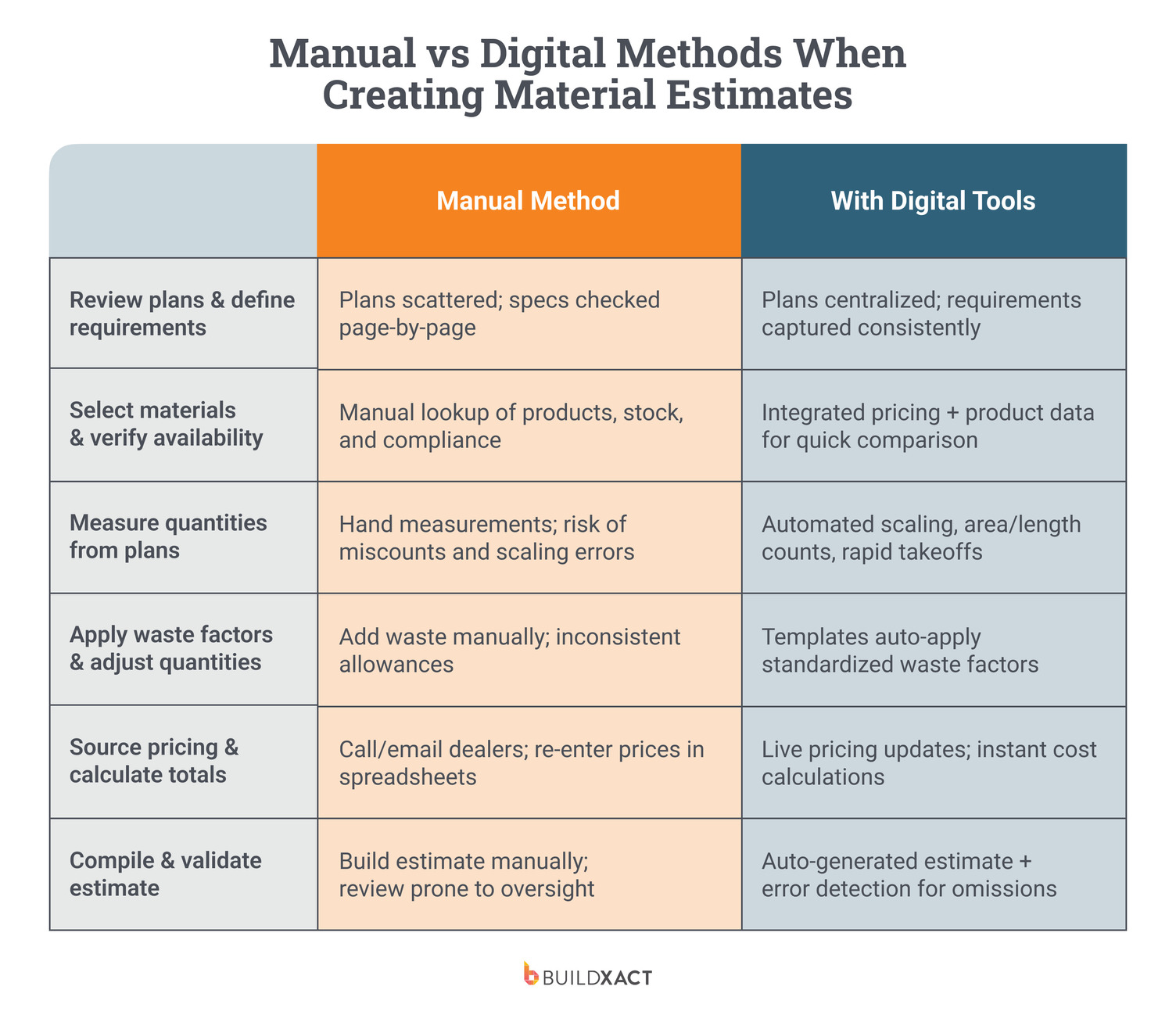
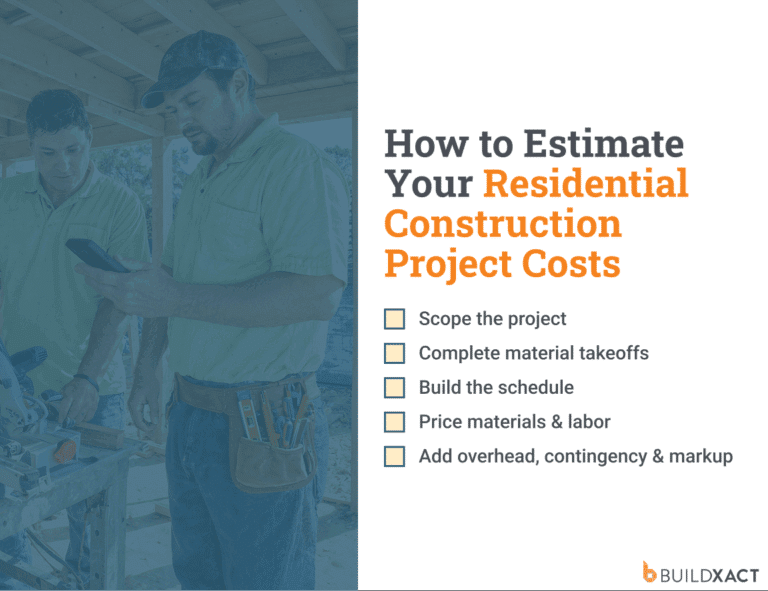
Below is a step-by-step guide to developing a precise materials estimate and how intelligent estimating software can help.
1. Review plans and define material requirements
Start by reviewing the full set of drawings and specifications to confirm exactly what’s included in the build. Work through the plans section by section so no components are overlooked.
At this early stage, clarity is essential. If materials aren’t defined properly here, mistakes will flow through the estimate and show up later on site.
Estimating software can support this step by centralizing plans and specifications, ensuring nothing is missed or duplicated.
2. Select materials and confirm availability
Next, choose the specific products you intend to use, checking they meet job requirements, build standards, and local compliance rules.
At the same time, confirm practical details such as lead times and supplier availability to avoid pricing items that won’t be available when the job starts. Early checks help prevent substitutions, delays, and last-minute cost increases.
Digital estimating tools with integrated price lists and product data make it faster and easier to compare materials and confirm what suppliers can actually deliver.
3. Measure material quantities from plans
Complete a structured material takeoff by measuring every required material from the plans using counts, lengths, areas, or volumes that match how the material is ordered and installed.
Accuracy at this stage directly affects your margins. Missing or mismeasured quantities often don’t surface until the job is underway, when they lead to rushed orders, delays, or cost blowouts.
Digital takeoff tools automate the manual, error-prone work of scaling, measuring, and counting directly from uploaded drawings, bringing speed and accuracy to this crucial step.
4. Apply waste factors and adjust quantities
Add realistic allowances to account for cutting, offcuts, breakage, and site conditions. The aim is to order enough material to keep work moving without paying for materials that never get used.
Consistent waste allowances help builders avoid shortages while keeping tighter control over job costs.
Features like Buildxact’s built-in formulas and templates automatically apply standardized waste allowances.
5. Apply current pricing and calculate totals
Use current dealer pricing to accurately cost every measured item. Ensuring pricing is up to date is critical, especially in markets where costs change quickly between quoting and ordering.
Outdated prices can quickly erode your profits before work even begins, turning a solid estimate into a profit-leaking job.
Digital estimating software with live pricing feeds and automated calculations keeps material costs up to date without manual updates.
6. Compile and review the material estimate
Now you can assemble all the material quantities and costs into a clear, structured materials estimate and review it for completeness.
This final step ensures nothing has been missed and confirms the estimate is ready to be used for quoting, ordering, and planning with confidence.
AI estimating tools with built-in error checking flag omissions and produce clean, usable estimates without extra admin.
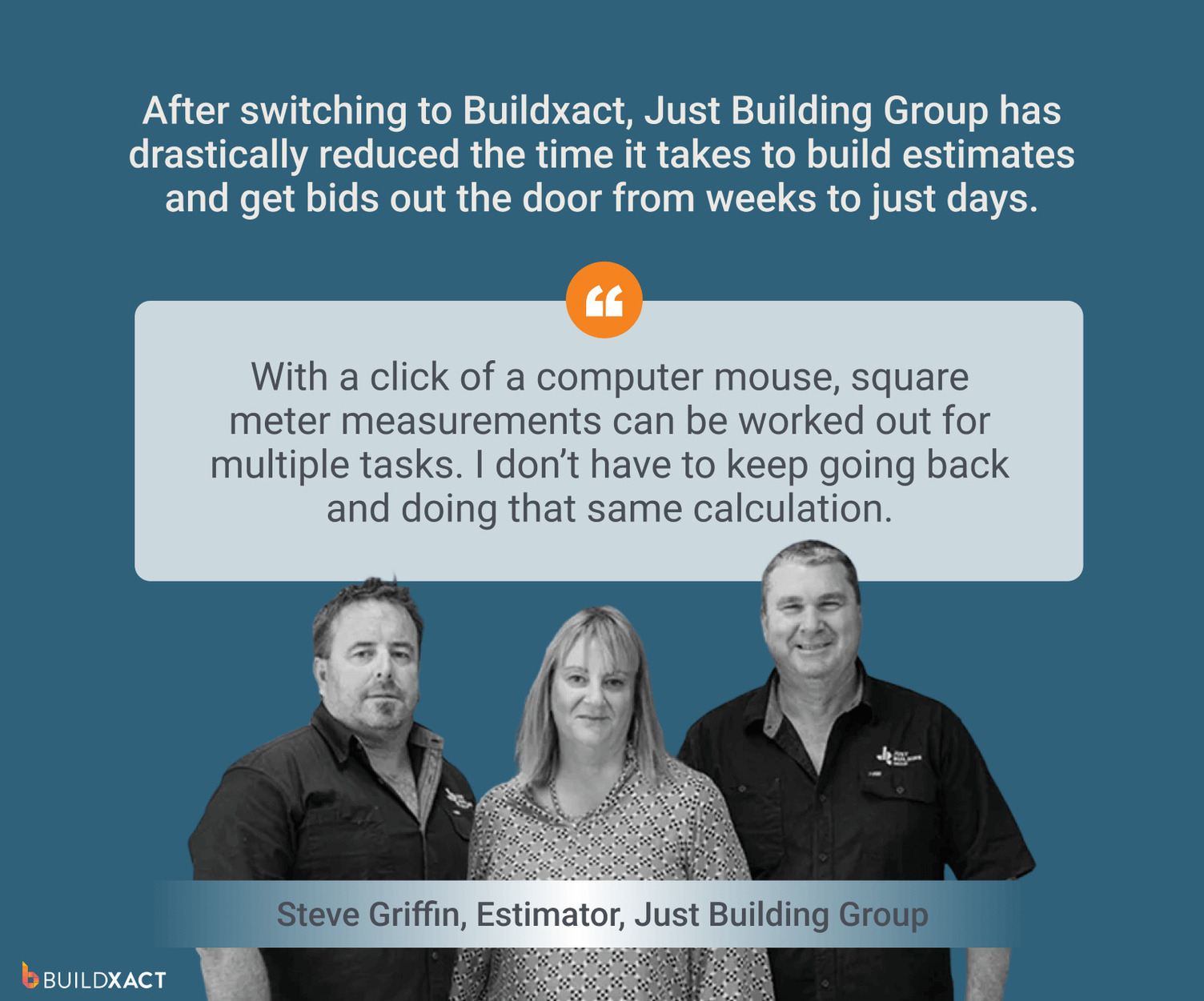
By now, it’s clear that digital estimating software can make the process of creating a material estimate faster and more efficient. But are traditional manual methods really that problematic?
Slow, Inaccurate, and Admin-Heavy: The Drawbacks of Manual Material Estimates
Manual material estimating is often the default when builders don’t have a better system in place. But relying on paper plans and scattered spreadsheets slows quoting down and often pushes estimating tasks into nights and weekends.
And aside from the extra admin, inaccurate estimates either price you out of the job or leave you carrying the cost once work begins.
Here’s why manual material estimates are holding your small business back from winning work and growing profits:
Inaccurate measurements
Measuring by hand and performing manual calculations leaves plenty of room for simple mistakes. Missed counts, incorrect conversions, or scaling errors quickly flow into pricing, leading to shortages or inflated costs once work is underway.
Outdated pricing
Dealer prices can change at a moment’s notice, but manual estimates rely on static figures. If material costs have shifted by the time your quote is sent or approved, you could be left exposed to damaging margin loss.
Slow bid turnaround
Manual workflows take time to measure, calculate, review, and recheck. That delay can lose you the job, especially when faster competitors submit clear, accurate quotes while your manual estimate is still being finalized.
Duplicate data entry
Re-entering the same quantities across spreadsheets, emails, and documents increases admin time and compounds errors. Plus, every manual transfer creates another opportunity for figures to be entered incorrectly.
Missed materials
Relying on memory or visual checks makes it easy to overlook small but essential items. These gaps often don’t appear until ordering or installation, when fixes tend to be expensive and disruptive.
Poor version control
Multiple files, revisions, and email attachments make it hard to know which estimate is current. Conflicting versions lead to pricing mistakes, ordering errors, and confusion across office and site teams.
Hard-to-audit work
Manual estimates don’t leave a clear trail. When something looks off, builders are forced to retrace calculations and measurements, wasting valuable time trying to work out where numbers came from.
Time-consuming revisions
Design changes or client updates mean reworking measurements, pricing, and totals by hand. Each revision multiplies admin effort and increases the risk of inconsistencies across documents.
Inconsistent methods
Different estimating approaches between jobs or team members reduce accuracy and repeatability. Without standard processes, pricing varies unnecessarily, making it harder to protect margins and scale confidently.
If you’re starting to realize that manual estimating is causing more problems than it’s solving, it’s time to learn more about the benefits of digital estimating software.
How to Estimate Building Materials Faster With Construction Estimating Software
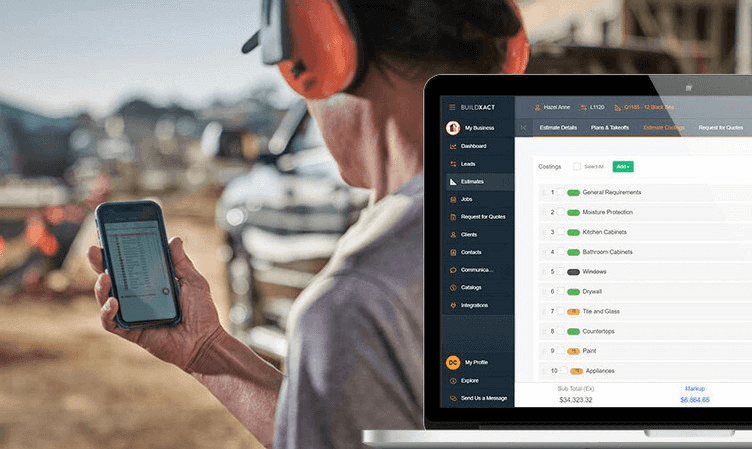
Estimating software designed for residential construction helps small builders create detailed, accurate estimates while putting an end to late-night admin.
Here’s how a digital estimating tool like Buildxact reduces manual steps and time-consuming rework, so you can send precise estimates that win more work and protect your margins:
Digitize plans for instant measurement
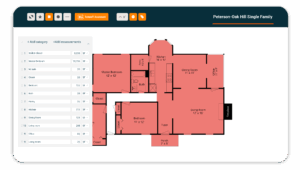
No more scaling paper plans or tracing by hand. With digital estimating software, you can work directly from uploaded drawings. On-screen measurements are instant, so there are no ruler errors, re-measuring, or having to start over when plans change.
Automate repetitive estimating tasks
With features like Buildxact’s pre-built assemblies and templates, common build elements don’t need to be rebuilt from scratch every time. By reusing proven pricing and quantities, it’s easy to keep estimates consistent while cutting out hours of repetitive setup work.
Generate accurate takeoffs in fewer steps
AI-powered takeoff tools do the heavy lifting by automatically detecting areas, lengths, and quantities directly from plans. You spend less time clicking and checking and more time reviewing the estimate rather than building it line by line.
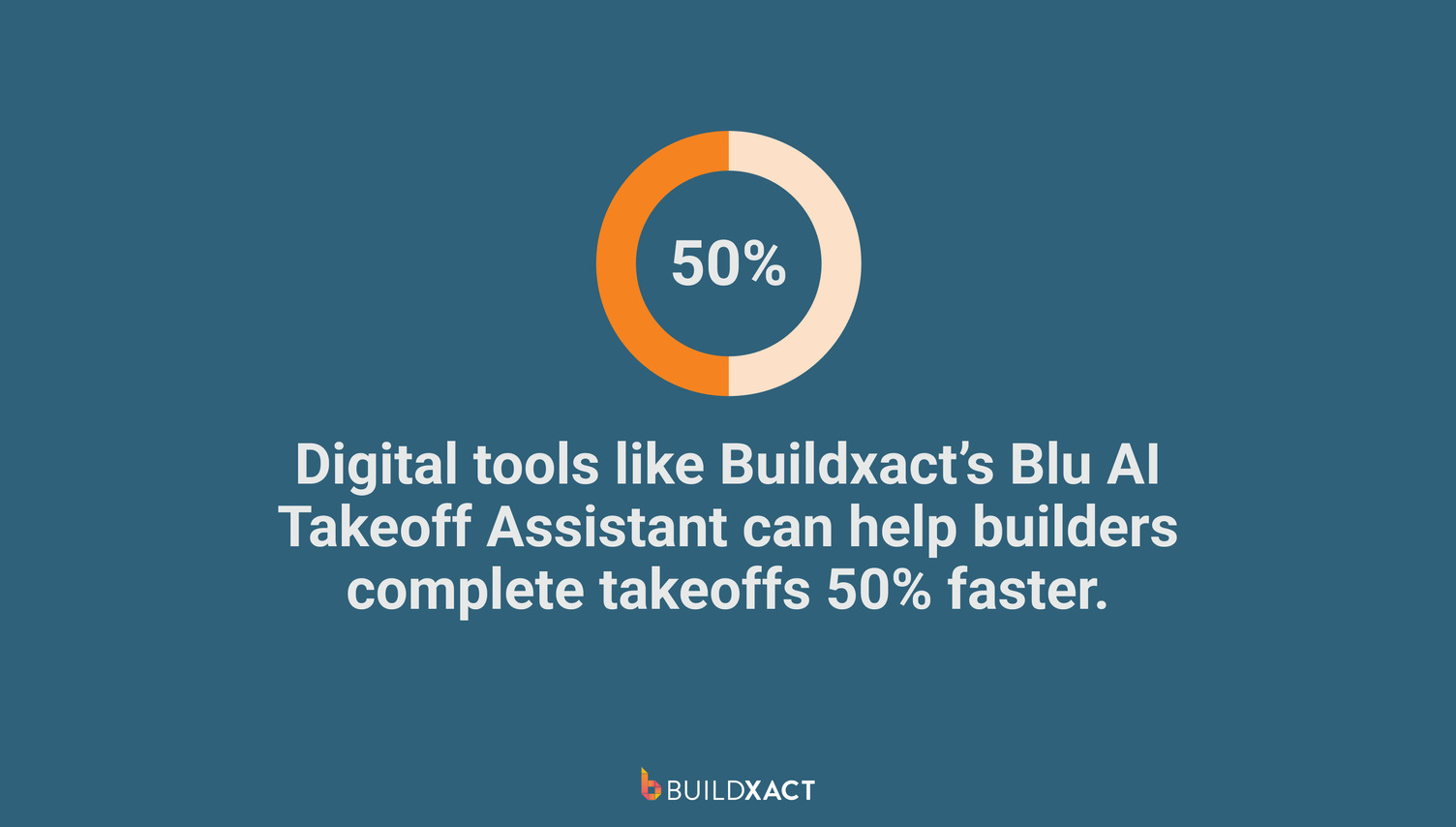
For example, Buildxact’s AI takeoff assistant, Blu, cuts the time required for a takeoff by 50%.
Access live, localized material pricing
When pricing updates automatically from connected dealers, your estimate reflects the actual cost of the materials today. You no longer waste time chasing price lists or risk underquoting because costs changed after the estimate was built.
Review estimates with built-in error checks
Before an estimate goes out, automated checks flag missing items or overlaps that are easy to miss—especially when you’re tired, rushing, or under pressure. This catches problems early, when they’re quick to fix and don’t cost you money.
Buildxact’s AI estimating assistant, Blu, features built-in error checks that instantly identify inconsistencies.
Convert takeoffs into ready-to-use estimates
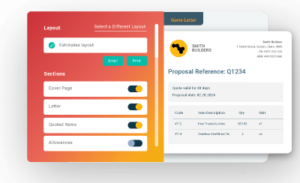
Once quantities are measured, smart digital estimating software automatically sends them to a structured estimate. There’s no rebuilding, copying, or re-entering data. You move from takeoff to quote faster, with cleaner results and less admin.
Keep all estimating work in one place
With construction estimating software like Buildxact, plans, measurements, pricing, and revisions are kept together, not scattered across files and folders. When something changes, you update it once and move on, instead of hunting down versions and dealing with version chaos.
Construction estimating software turns material estimating into a repeatable, reliable process. By automating manual processes and error-prone tasks like measurements, digital estimating tools help you send winning bids fast, without losing your weekends to estimating admin.
How to Estimate Building Materials: FAQs
How do home builders estimate materials for construction?
Home builders estimate materials by reviewing plans, completing a detailed takeoff, applying waste allowances, and pricing materials using current supplier rates. The goal is to capture the full scope early so costs, ordering, and scheduling stay aligned once the job moves on site.
Why are builders moving away from manual estimating methods?
Manual estimating is slow, error-prone, and hard to scale. As workloads increase and margins tighten, builders need faster, more reliable ways to measure, price, and revise estimates without rework, missed items, or late-night admin eating into profit.
Can ChatGPT do construction estimates?
ChatGPT can help explain basic estimating concepts or outline processes, but it can’t replace proper takeoffs or pricing. Accurate construction estimates require real plans, measured quantities, and current supplier pricing. This work needs purpose-built estimating software, not generic AI tools.
Efficient Material Estimates That Win More Work
Strong material estimates set the tone for the entire build. When quantities are correct and pricing stays current, you avoid early cost shocks and protect margin before work even begins. But if estimating is slow or disconnected? Costly fixes and profit leaks are all too common.
Buildxact’s construction estimating platform is purpose-built for small home builders who need speed, accuracy, and software that doesn’t disrupt their day-to-day. With AI-powered takeoff tools and built-in error checks, builders can send professional, accurate bids in a fraction of the time and win more of the right work.
To find out how Buildxact’s digital estimating software can cut your admin hours, get started for free today or book an interactive demo.