Homeowners in communities like Shepherdstown, Martinsburg and Harpers Ferry west of Washington D.C. know where to turn when it comes time to remodel their home. As a general and mechanical contractor, Brian Yambor runs his Precision Homes remodeling and installation business using a dependable, centralized project estimating workflow that results in work done on time and on budget.
Brian estimates kitchen and bath remodeling, basement remodels and other projects in Buildxact, ordering materials directly through the platform’s The Home Depot integration, and tracking costs in real time. With most of his projects within a 30-minute radius and a The Home Depot in nearby Ranson, West Virginia, Brian has a dependable backbone for managing everything from basement finishes to full mechanical contracting work. Material receipts flow automatically into Buildxact, where those materials get allocated to the right jobs. The result — Brian knows exactly where his money is going without error-prone manual data entry.

Many small, local construction firms have lagged behind by failing to successfully embrace and implement new technology, not just in building science, but in project management as well. This resistance creates an image of being outdated and out of touch, resulting in less leads, less sales, and more headaches.
Belief in staying current with the market to meet customer needs drives everything from his detailed estimates to his approach to change orders. By keeping clients informed at every step, showing them updated costs in real time, and documenting every decision with clear paperwork, he avoids the awkward conversations that plague so many contractors. There’s no room for misunderstanding when both parties have signed documentation showing exactly what was agreed upon and how much it would cost.
This level of detail doesn’t just prevent disputes, it actually helps clients feel more confident in their investment. They’re not left wondering if they’re being overcharged or if hidden costs will surface later. Instead, they see a professional operation that respects their money and their right to know exactly how it’s being used. That transparency turns customers into advocates who refer Brian’s business to friends and family, knowing they’ll receive the same honest, detailed communication.
The Excel spreadsheet grind
It wasn’t always this easy.
Before finding the right software tools, Brian’s evenings looked all too familiar — three to four hours every night hunched over Excel spreadsheets, manually entering receipts, tracking costs and updating formulas. One misplaced decimal could throw off an entire estimate, and that would mean hours of more work.
“At the end of the day, you can only do so many hours at night before you fall asleep,” Brian said with a smile, knowing those days are now behind him.
In the past, he built custom formulas to break down costs per square foot, organized Excel tabs for electrical, HVAC and plumbing, and constantly cross-referenced material dealer websites to confirm pricing. It worked, but it was exhausting and time-consuming.
“Until you see the data in front of you, you can easily underestimate material costing,” he said. “You think you might know, but you can’t just shoot from the hip. There are a lot of contractors that are really good at what they do, but you also have to be really good at running a business because it’s completely two different things.”
Finding Buildxact on Reddit
A little over a year ago, Brian started searching for a better way. He found a Reddit thread asking what everyone was using for project management software, and Buildxact kept coming up.
After a demo call with a Buildxact specialist, he was sold, not because of aggressive sales tactics, but because the team felt personable and genuine, and, of course, the Buildxact software platform met his needs. Buildxact is focused on residential construction and remodeling, which is huge, Brian said.
“I think I also chose Buildxact because I found that everyone was very personable and that’s important to me,” Brian said. “Nobody seemed robotic or salesy.”
Prior to working as a contractor, Brian worked for 18 years in the automotive industry, as an automotive technician specializing in electrical troubleshooting, drivability and engine performance.
Eventually becoming a shop foreman, who specialized in developing and cultivating new talent and client retention, he knows the value of presentation, transparency and professionalism. He saw how Buildxact’s estimating tools and customizable bid letters could help him deliver the same level of polish to his customers.
Building estimates 75% faster with custom assemblies
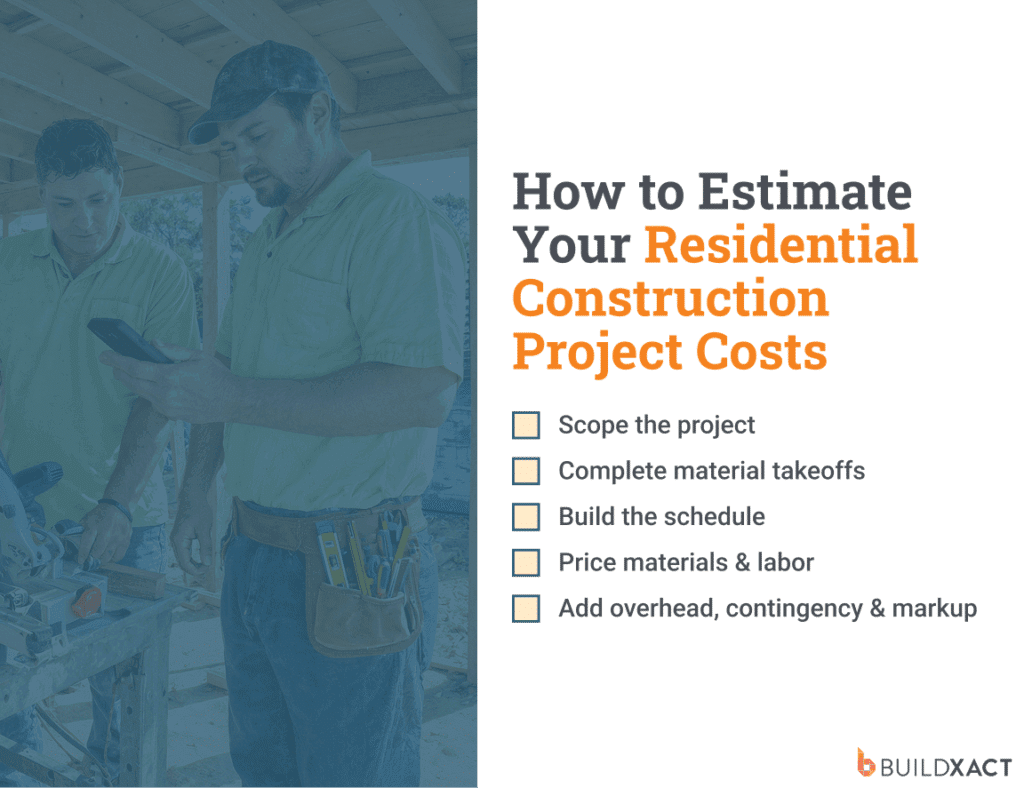
Brian’s background in diagnostics and technical development at companies like Honda and Acura taught him to work systematically, and he applied that same approach to his Buildxact setup. He built detailed estimating assemblies for every type of project: waterproofing a shower, installing hardwood floors, exterior cladding systems, running electrical, and HVAC and plumbing systems.
How They Work:
- Tailored to Your Methods: Assemblies are built by the builder and are tailored to their exact materials and construction methods.
- Auto-Populate: When performing a takeoff on plans or adding a category to an estimate, simply start typing the assembly name (e.g., “install exterior siding”) and it will auto-populate with pre-calculated costs.
- Simple Quantity Calculation: You set the unit of measurement (e.g., per square foot, each). For example, if an “install exterior siding” assembly is set to cost per square foot, entering a quantity of “500” will automatically calculate the total cost for 500 square feet, factoring in all the materials (fasteners, adhesives, rain screens, cladding) and a general labor charge.
Practical Examples:
- Exterior Siding: An assembly can combine fasteners, adhesives, rain screens, cladding, and labor. Input a known cost/coverage for each material one time.
- Insulation: Input the material cost per square foot, the coverage area per bag (e.g., 59 sq ft), and a labor cost. When a builder does a takeoff, the assembly will automatically calculate the number of bags, labor cost, and total cost.
- Sheathing: An assembly for zip sheathing can include the sheet coverage (e.g., 32 sq ft), the required nails per square foot based on the nailing schedule, the necessary tape per sheet, and labor.
- Rough Plumbing: For fixtures, set the unit of measurement as “each.” The assembly can include the cost of a stop valve, supply line, miscellaneous fittings, glue, and labor. Click on every fixture on the plans, and the entire rough-in is priced out instantly.
- Shower Waterproofing: Input the material cost per square foot for the uncoupling membrane, the coverage of mortar bags, and all necessary incidentals (buckets, trowels, pre-made corners, etc.). Build the assembly for a set area (like 100 sq ft) to ensure accuracy.
Adding costs can be done once, save the assembly, and it’s done. Edit any assembly at any time if labor or material costs change. In the end, custom assemblies eliminate the risk of forgetting to account for a material or labor cost, significantly streamlining the estimating process.
Built-in Controls:
- Included Minimum Quantity: This feature ensures essential, non-variable items (e.g., one bag of mortar, one bucket) are always included in the estimate, regardless of a small square footage.
- Increments: This prevents buildxact from estimating partial quantities. By setting the increment to ‘1,’ the system will round up (e.g., 1.5 bags becomes 2 bags), ensuring you purchase full quantities and avoid losing money by under-calculating material needs.
Ultimately, custom assemblies eliminate the risk of forgetting to account for every necessary material or labor charge.
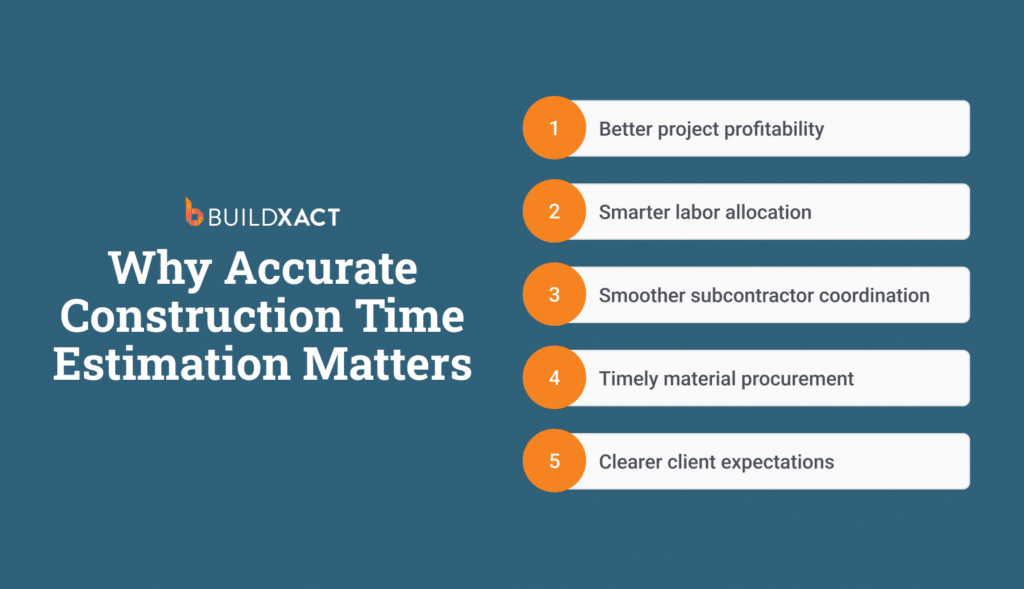
That upfront investment in creating assemblies has paid off. Brian says he’s cut his estimating time by a whopping 75%.
Connecting with Home Depot for real-time pricing
Of course, being fast is not good enough. You must be accurate, and that’s where Buildxact’s integration with The Home Depot comes into focus.
Brian was already a loyal The Home Depot customer long before he discovered Buildxact. He was drawn to their selection of electrical brands other big box stores don’t carry.
With a store in Ranson just 10 minutes away and most of his projects within a 30-minute radius, it became his go-to dealer. The Buildxact integration transformed what was already a convenient relationship into something far more powerful.
“Having Home Depot on our side is huge, especially because it’s down the street, and with it being integrated into Buildxact, it’s been a great combination for knowing your costs, allocating receipts to jobs for cost tracking,” he said.
The workflow is simple but game changing. Brian builds his estimate in Buildxact, identifying exactly what materials he needs for each phase of the project. When it’s time to order, he can pull pricing directly through the integration, ensuring his estimates reflect current costs. Then, whether he’s picking up materials himself or sending a team member, the purchase gets captured automatically.
Receipts flow into Buildxact within hours of the transaction, where Brian can see exactly what was purchased, down to the item number and price. He allocates each line item to the appropriate job and cost code, all without bouncing between screens, copying and pasting numbers, or manually typing in SKUs from crumpled paper receipts.
“There’s no errors in data entry anymore cause it’s solid,” he said. “That’s crucial to accurate cost tracking.”
The automation extends to his team. Even when Brian sends an employee to pick up materials, as long as they scan their The Home Depot ProXtra pass at the register, the receipt populates in Buildxact automatically. There’s no need to collect physical receipts or ask crew members to remember what they bought. Everything syncs seamlessly, keeping job costs current and eliminating the administrative burden that used to eat up his evenings.
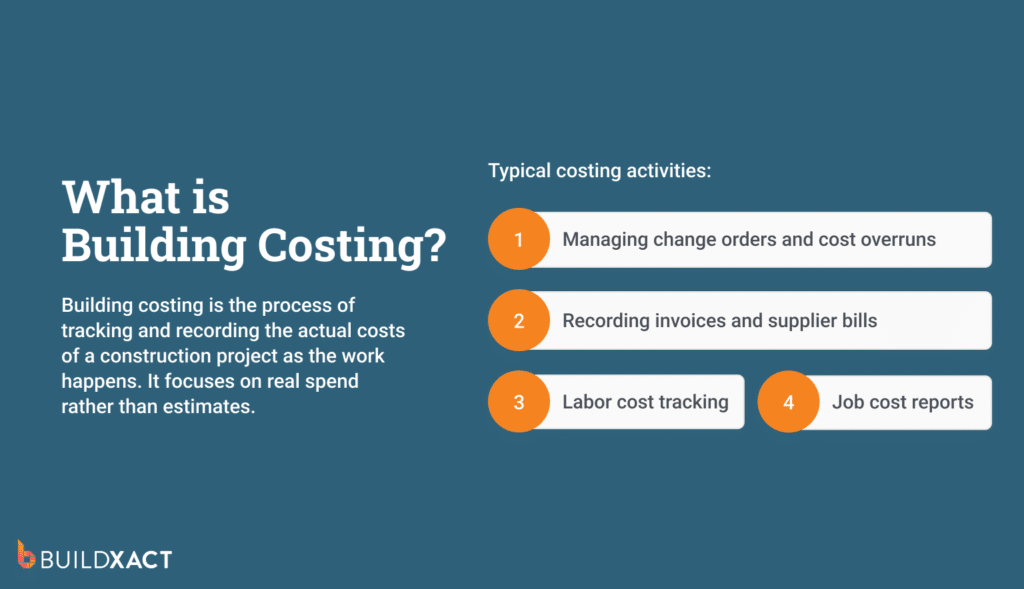
For Brian, the combination of proximity and integration means he can respond quickly to job site needs without sacrificing financial visibility. If a project requires an unexpected material run, his team can grab what they need, and Brian knows immediately what it cost and where it needs to be allocated. That real-time visibility helps him spot cost overruns early, adjust estimates for future jobs, and maintain the profit margins that keep his business healthy.
Winning trust with detailed, polished bids
For Brian, the estimate and bid letter isn’t just a number. It’s a reflection of his business and his commitment to the client.
“When you hand a client a piece of paper, it better look like what you’re worth,” he said. “That detailed estimate is a wow factor in terms of, you know, this company has it together. This is the best estimate sheet that I’ve seen. It’s detailed. There’s nothing missed. Every “T” is crossed, every “I” has been dotted.”
Brian uses Buildxact’s customizable templates to add his logo, letterhead and brand colors. The result? Clients see professionalism before the first nail is hammered.
“The presentation of the estimate and the client package, even if it’s electronically delivered, can sell a job regardless if you’re charging more than ACME Construction Company down the street because it builds trust with the client that you’re not covering anything up,” he said. “Here’s the project, this is what it is. This is the details.”
Managing change orders without the awkwardness
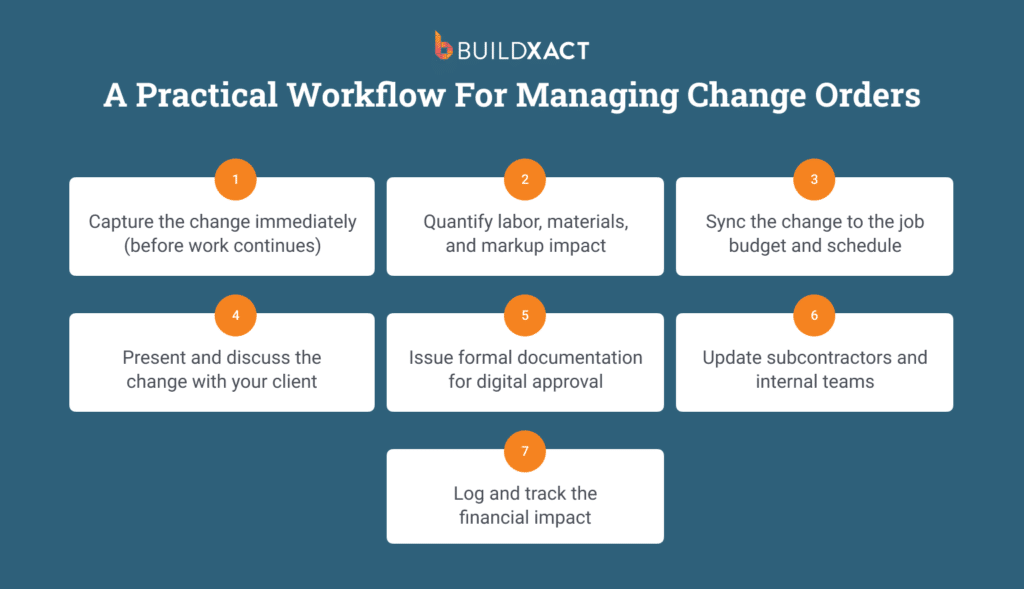
Change orders used to mean awkward conversations and lost receipts. Now, Brian generates them directly in Buildxact, complete with clear line items, updated totals and digital signatures.
He’s particularly fond of how Buildxact handles allowances. If a client chooses more expensive wallpaper or upgrades a fixture, Brian generates a change order that shows the original allowance, the actual cost and the difference right there at the bottom.
“That keeps them very in tune with the cost tracking too,” he said. “And if you keep them updated every step of the way, and you kept their eyes on the prize, more than likely that client is going to trust you even more.”
Protecting profit margins with accurate cost tracking
Brian knows that staying profitable in remodeling means hitting your target gross profit on every job. Before Buildxact, he didn’t always have visibility into the small costs that added up.
“Buildxact has given us the ability to identify some of those areas that are a little bit more expensive, that we were just kind of, you know, writing them off as not a big deal. And now it’s given us the ability to track some of those smaller pieces to better manage our profit margin,” he said.
He’s also learned that remodels need higher margins than other work because of the unknowns. Open a wall and you might find $2,000 worth of unexpected plumbing and electrical. Having accurate cost tracking means he can build in the right buffer and still deliver exactly what the client wants without eating the cost himself.
Brian wishes more homeowners understood the real numbers behind a remodeling project. It’s not just the cost of materials sitting on a shelf at The Home Depot. It’s the labor hours, the insurance, the truck maintenance, the tools that need replacing, the permits, the disposal fees.
When clients see a line item for $500 in lumber, they might not realize that getting that lumber to the job site, storing it properly, and installing it correctly involves costs that go far beyond the lumber itself.
That’s why his detailed cost tracking and transparent communication matter so much. When clients can see the breakdown of where every dollar goes, they start to understand the value they’re receiving. They see that Brian isn’t padding numbers, he’s showing them the real cost of doing quality work.
That understanding builds respect for the process and makes conversations about pricing and change orders much easier. Instead of questioning every expense, clients trust that Brian is managing their investment carefully because they can see the proof in black and white.
“At the end of the day if you’re not happy working for a client because you’ve underbid something or you might feel like you’re working for free, that’s gonna stick in the back of your head every single time at that client’s house,” Brian said. “So, if you’re happy, the client’s gonna be happy.”
If you can communicate clearly and effectively, the client will pay timely and accept costs easier because they ultimately understand, “the whys.”
Work-life balance for a family man
With two young kids and a business to run, Brian is acutely aware of how precious time is. The three to four hours he used to spend every night on Excel are now spent with his family.
He’s not just managing his business better. He’s managing his life better.
Want to see how Buildxact can help you get back hours of your time? Schedule a live demo, or if you’re ready to get started today, sign up for a risk-free trial.